© 2019 AKW 13-012-085-17
29
Troubleshooting for Engineers
Commissioning
In the event that the shower fails to respond to any push-button or exhibits unusual
performance characteristics during operation, turn off the electrical supply by operating the
pull-cord switch or isolating switch. Wait for a few seconds for the shower to reset, then turn the
power back on and push the on/off button. If the problem still persists, note which fault LED is
lit or flashing.
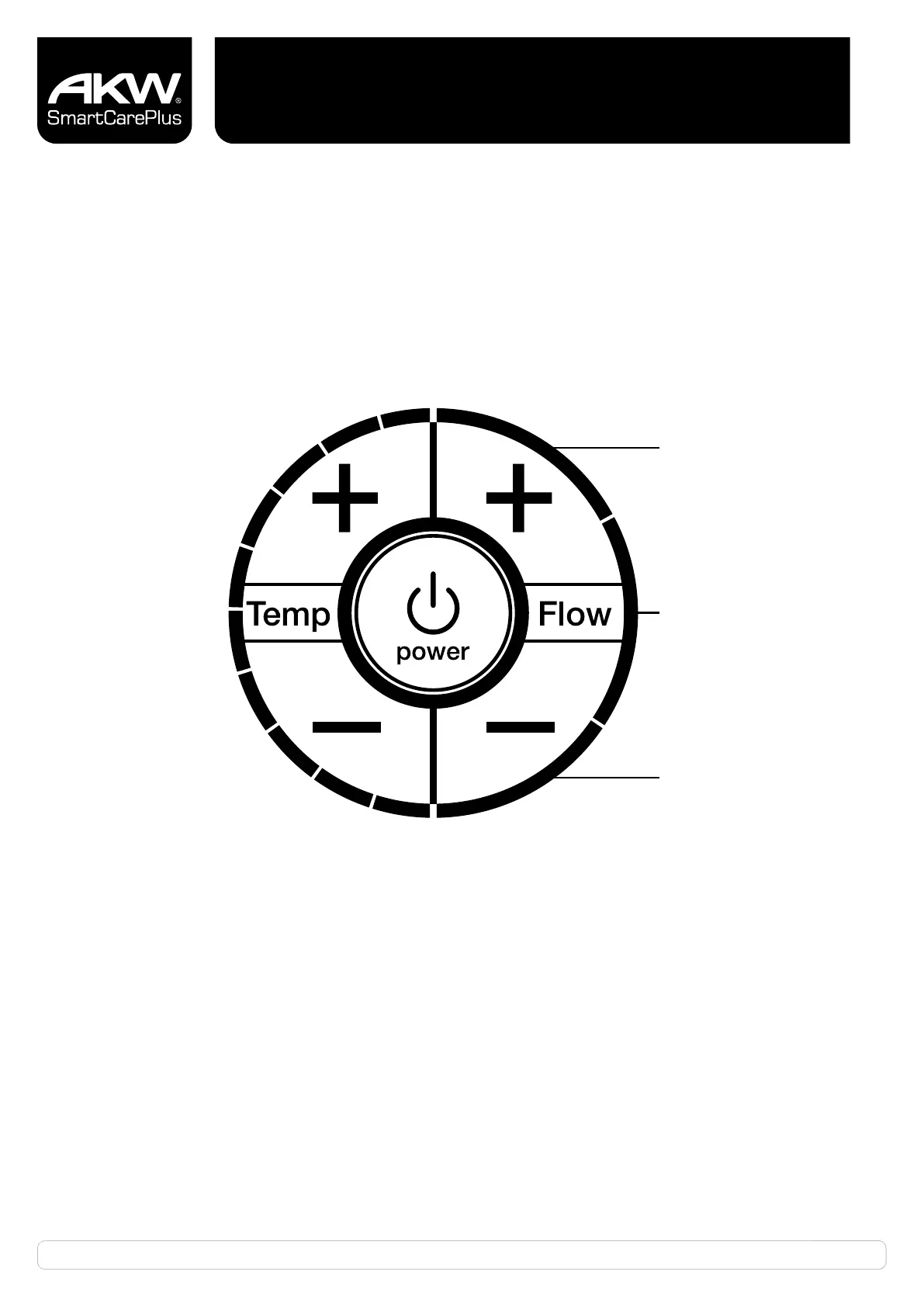
**Outlet Thermistor Fault
**Inlet Thermistor Fault
*Low Flow/Low Pressure Fault
Note: Fault signals are assigned to these LED’s
Momentary over
temperature
***No. 10 temperature
LED flashing
Uncontrolled over
temperature
**1-10
Temperature
LEDs flashing
*User resettable when external fault cleared (On/Off pressed and released)
**Requires internal repair / reset
***Automatic reset when over temperature condition cleared (naturally cooling
down or by flushing cold water through shower heater).


 To Next Page