EasyManua.ls Logo

AL-KO 2LINK - User Manual

AL-KO 2LINK
112 pages
Go to English
Print Icon
To Next Page IconTo Next Page
Loading...
695470_c 03/2019
BETRIEBSANLEITUNG
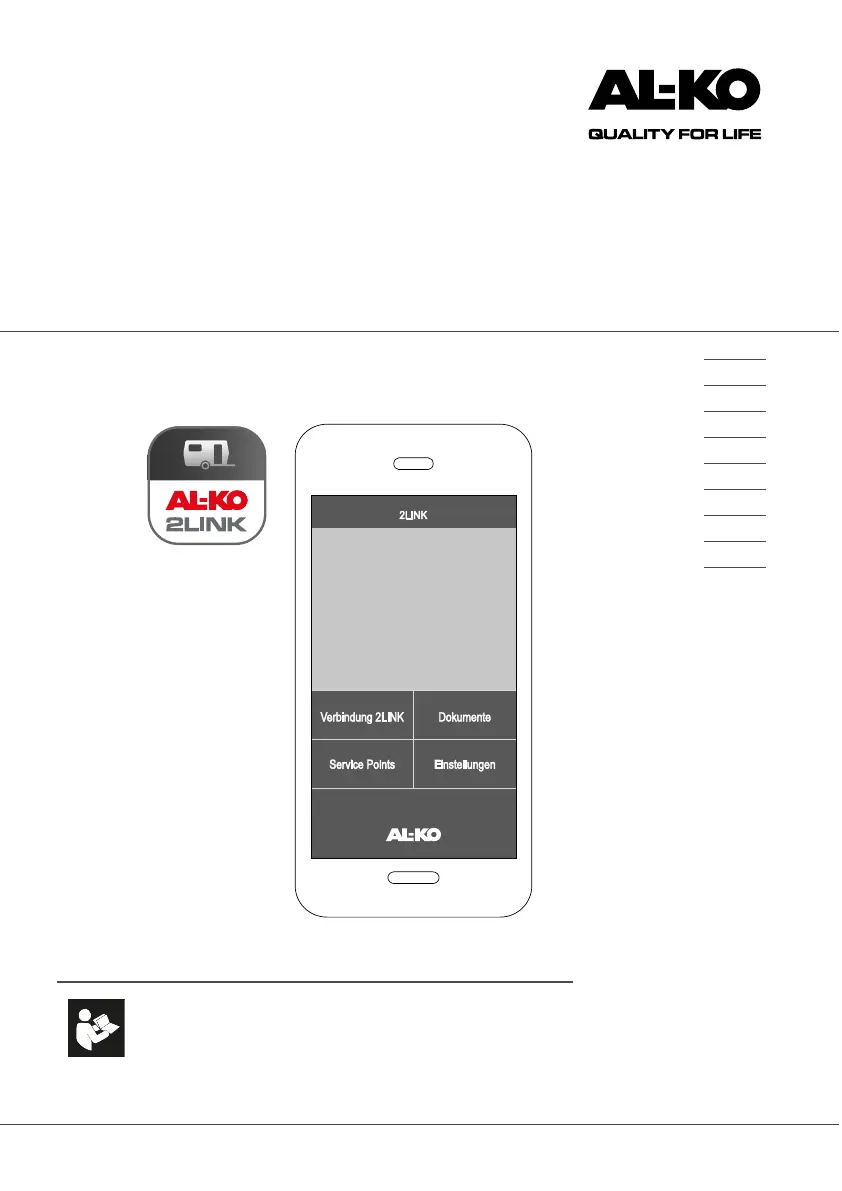
2LINK-App ATC
DE
EN
NL
FR
IT
DA
SV
NO
FI

Table of Contents

Other manuals for AL-KO 2LINK

Questions and Answers

  • X
    Xavier Romero PhDAug 5, 2025
    Why can't my smartphone find the AL-KO Automobile Accessories 2LINK box?
    • S
      Sarah RobinsonAug 5, 2025
      Your smartphone might not be able to find the AL-KO 2LINK box for a couple of reasons. First, check that the 2LINK box has a voltage supply, either when driving using the ATC or when stationary using the caravan's internal 12 V supply. Also, ensure that no other smartphone is connected to the 2LINK box, as only one smartphone can be connected at a time.
  • D
    David DukeAug 15, 2025
    Why is no ATC status displayed in the AL-KO 2LINK Automobile Accessories app?
    • B
      bruce06Aug 15, 2025
      If no ATC status is displayed, one possible reason is that the ATC is switched off. Also, the cabling to the ATC might be defective and require checking by a specialist workshop. Another reason could be that the ATC software is not up to date. Ensure that if the serial number ? 2016181022 the ATC is programmed with the latest software.
  • C
    christian74Aug 25, 2025
    What to do if at least one sensor is not transmitting information on my AL-KO Measuring Instruments?
    • J
      Jesse EvansAug 25, 2025
      If at least one sensor of your AL-KO Measuring Instruments is not transmitting information, it could be due to several reasons. First, the sensor might not have been taught; in this case, you should teach in the sensors. Another potential cause is an empty battery, which requires replacing the sensors. Finally, the sensor itself could be defective, also necessitating a replacement.

Summary

BETRIEBSANLEITUNG 2 LINK-App ATC

ORIGINAL OPERATING MANUAL

About this documentation

Information about the structure and purpose of the documentation.

Explanation of symbols

Defines the meaning of symbols used in the manual for clarity.

Safety instructions

Crucial guidelines for safe operation and to prevent hazards.

Product description

Overview of the 2LINK system and its capabilities.

TECHNICAL DATA

2 LINK system components

Details on the hardware parts that make up the 2LINK system.

Designated use

Defines the intended applications and compatibility of the 2LINK system.

Sources for the app

Information on where to download the necessary 2LINK mobile application.

Welcome Screen Description

Operation

Supply the 2 LINK box with voltage

Steps to provide electrical power to the 2LINK control box.

Connection to the 2 LINK box

Procedure for establishing a wireless connection between the app and the 2LINK box.

Driving

Usage instructions and information relevant during vehicle movement.

Stationary

Usage instructions and information relevant when the vehicle is stationary.

Documents

Service points

Settings

First use

Initial setup and configuration steps for new users.

Troubleshooting

EU DECLARATION OF CONFORMITY

AL-KO 2LINK Specifications

General IconGeneral
BrandAL-KO
Model2LINK
CategoryAutomobile Accessories
LanguageEnglish

Related product manuals