en
24 695470_c
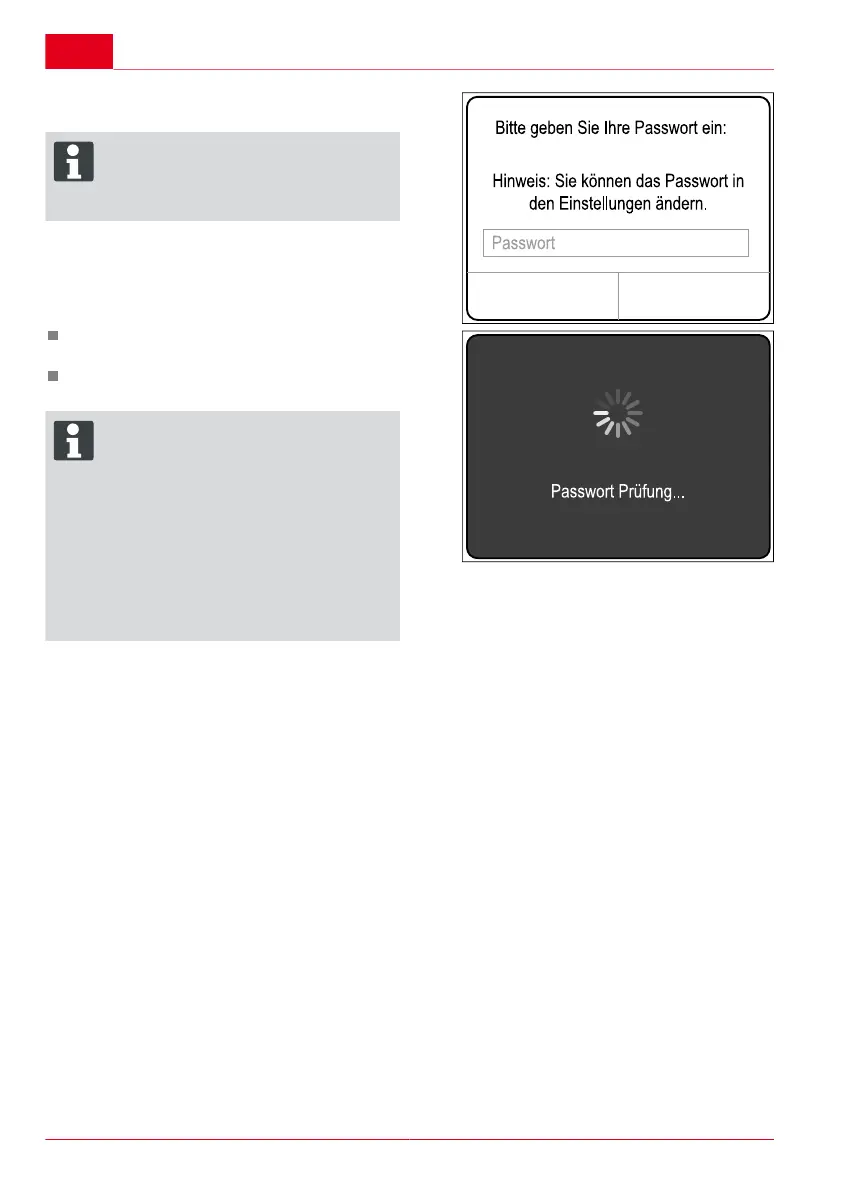
6. Enter your password (see sticker = master
password) which was supplied with the box.
ADVICE
You can change your password as requi-
red in the Settings menu.
The master password is still valid however
and should be kept safely.
The password you have entered will then be
checked.
If the password has been entered correctly, the
Function view of the 2Link box will appear.
ADVICE
This smartphone can now be connected
to this 2LINK box.
There is no need to enter the password
again.
If you wish to connect another smart-
phone to the 2LINK box, the password
must be entered a second time.
Any change to the password will affect all
the boxes.
Only one smartphone may be connected
to the 2LINK box at any one time.



 To Next Page