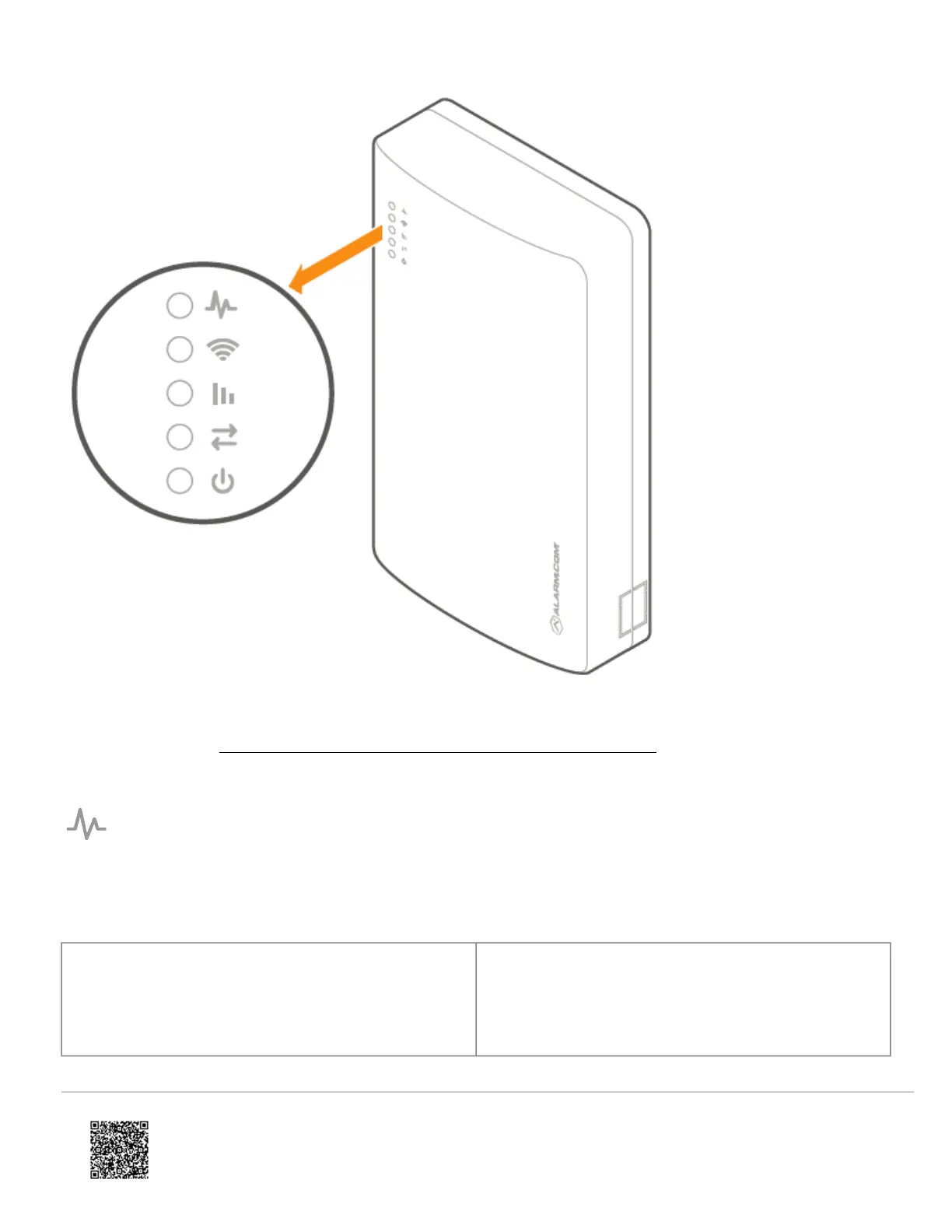
Note: For advanced troubleshooting, open the cover to look at the Alarm.com module LEDs. For more information about
the module LEDs, see SEM-Honeywell/ADEMCO Vista - Module LED Troubleshooting.
Trouble LED
The Trouble LED flashes 1 to 8 times in a four-second interval to indicate specific error conditions.
Flash pattern Description
1
The Alarm.com module cannot communicate with the
panel. Perform a power cycle on the panel. If the error
persists, lift the Alarm.com module out of the SEM circuit
board and re-insert it while power is disconnected from
the system.
https://answers.alarm.com/ADC/Partner/Installation_and_Troubleshooting/Panels/SEM_Honeywell_ADEMCO_Vista/SEM-Ho…
Updated: Thu, 27 May 2021 18:46:08 GMT
16

 To Next Page
 Loading...