Pre-installation checklist
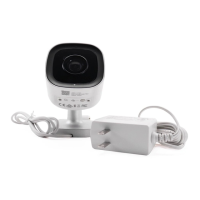
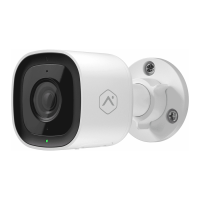
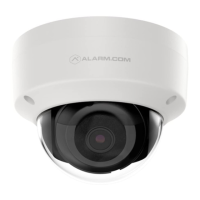
• ADC-V515 camera (included)
• AC power adapter (included)
• 2.4 GHz Wi-Fi connection to broadband internet
(Cable, DSL, or Fiber Optic)
• An Alarm.com account with a service package
that supports video
• A computer, tablet, or smartphone with Wi-Fi is required
if the router does not have the Wi-Fi Protected Setup
(WPS) feature
There are two options for connecting the ADC-V515 to
the Internet: Access Point (AP) mode and Wi-Fi Protected
Setup (WPS) mode. Use WPS mode if you have easy
access to the customer’s router and the router has the
WPS feature enabled. Note that some Internet Service
Providers disable the WPS feature on customer routers.
AP mode is the most reliable wireless method for
installing this device.
1


 To Next Page
 Loading...