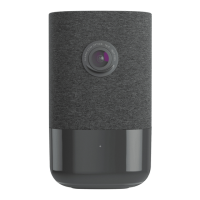
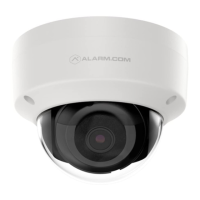
1080p Indoor Wi-Fi Camera (ADC-V523/523X) - Quick Start Guide
English
Pre-installation checklist
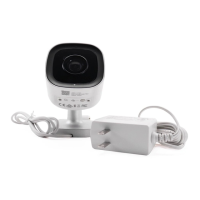
• ADC-V523/523X camera (included).
• AC power adapter (included).
• Wireless (2.4 or 5 GHz) connection to broadband (Cable, DSL, or Fiber Optic) internet. For information about
bandwidth requirements, see What are the internet service and bandwidth requirements for Alarm.com video
devices?.
• A computer, tablet, or smartphone with Wi-Fi is required if the router does not have the Wi-Fi Protected Setup
(WPS) feature.
There are three options for connecting the ADC-V523/523X to the Internet: Access Point (AP) mode, Wi-Fi Protected
Setup (WPS) mode, and Ethernet mode. Use WPS mode if you have easy access to the customer’s router and the
router has the WPS feature enabled.
Note: Some Internet Service Providers disable the WPS feature on customer routers. AP mode is the most reliable
wireless method for installing this device.
In the box
• ADC-V523/523X camera
• Mounting plate
• Power supply (10 feet)
• User guide
• Wall anchors & screws (x2)
For a detailed list of this video device's features, see 1080p Outdoor Wi-Fi Camera (ADC-V723) - Data Sheet.
Overview
1. LED indicator
2. Mounting plate
3. Reset button
English
https://answers.alarm.com/Partner/Installation_and_Troubleshooting/Video_Devices/1080p_Indoor_Wi-Fi_Camera_ADC-V52…
Updated: Tue, 08 Oct 2024 16:21:33 GMT
1

 Need help?
 General

 To Next Page