33English
English
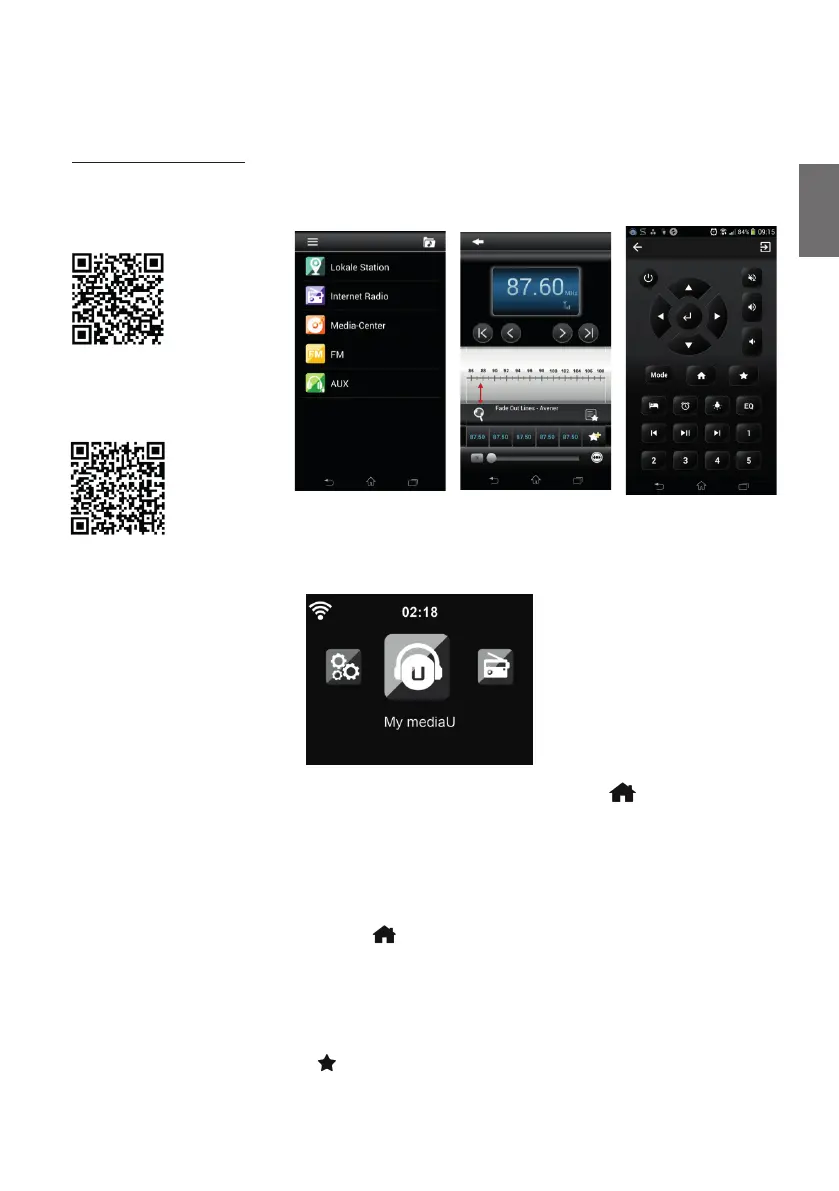
4.5. AirMusic Control App
The DR 490 can be controlled with your smartphone via WiFi. It is recommended to use the AirMusic
Control App. Additionally to controlling the radio, the app is able to play the smartphone’s music les
on the DR 490. Due to frequent updates of the app the manual is only available online. Please visit
www.alan-electronics.de and enter the article number 27490 into the search. You will nd the
DR 490 product page. On the tab Downloads you will nd the AirMusic Control Manual.
The app itself is available for Android and iOS. It can be downloaded from here:
Apple iOS
Android
5. Main menu
You can reach the main menu from any mode by pressing the Home button .
In the main menu you can select the following modes: Internet Radio, Media Center, FM, DAB+,
Information Center, Con guration and My mediaU (if activated, see chapter 7 My mediaU ).
6. Internetradio
To switch to Internet Radio mode, press , select Internet Radio and con rm with OK. After
connecting to a station, the logo of the station and information about the currently played song are
displayed.
6.1. My Favorite
Create a list of your favorite preset stations. The radio supports 250 favorite entries including
stations and folders.
To store a station, press and hold
and select the required memory with ▲/▼ and con rm with



 To Next Page