48 English
English
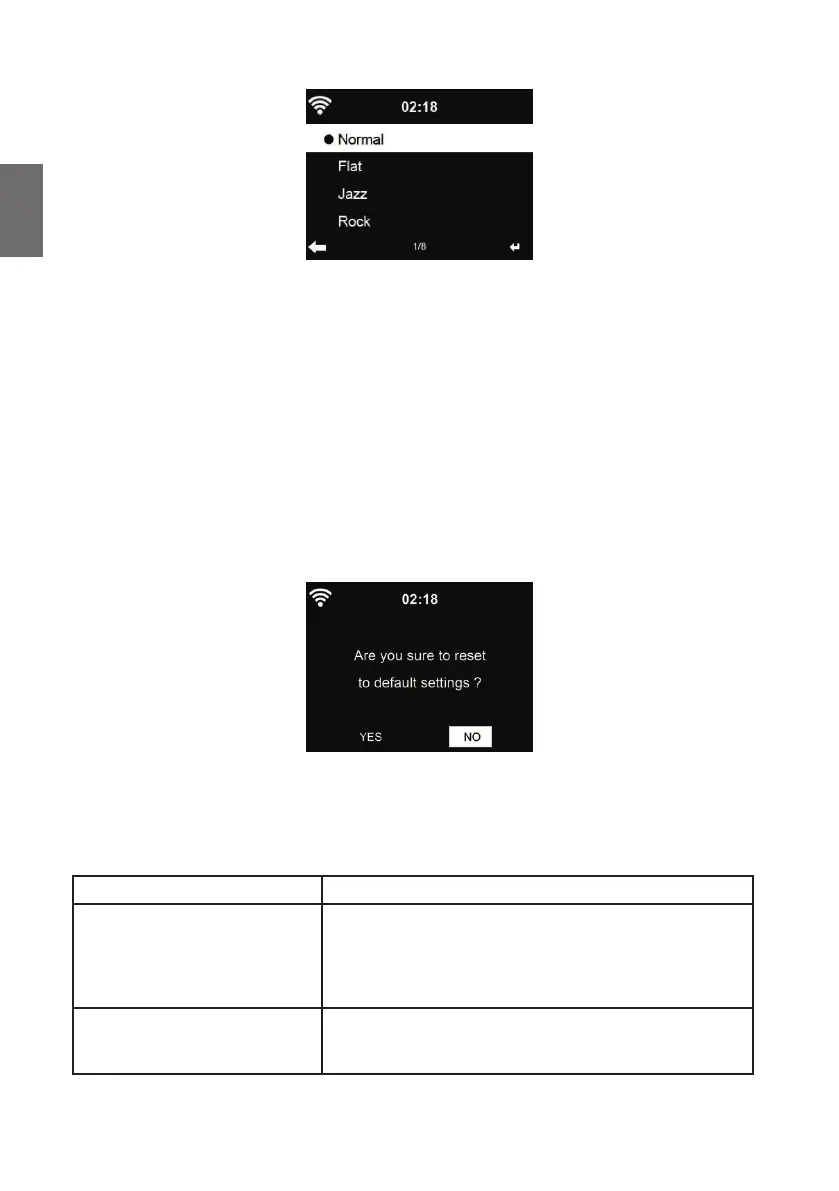
12.17. Equalizer
Default equalizer is Rock, you may change to Normal, Jazz, Rock, Flat, Soundtracks, Classical,
Pop, or News.
If you press ► in the equalizer menu, you can individually change each preset and select Treble,
Bass and Loudness.
12.18. Resume When Power On
The system is default set to resume internet radio playback if you were listening to internet radio or
media center before switching off the unit. If you turn this setting off, the system will start in the main
menu when starting the radio.
12.19. Software-Update
Update software. If there is an updated software version on the server, the system will notify you
when you return to the main menu.
12.20. Factory Reset
Restore the default settings.
After DR 490 is reset, the system will move to Language setting menu. And it will automatically turn
to Network setting menu once the OSD language is selected
13. Troubleshooting
Error Remedy
The device does not switch on. 1. Check if the power adaptor is connected properly.
2. The device may malfunction when used in areas
with strong radio interference. The device will work
properly again once there is no more interference.
No sound 1. Turn on the sound as it may be muted
2. Increase the volume.



 To Next Page