40 English
English
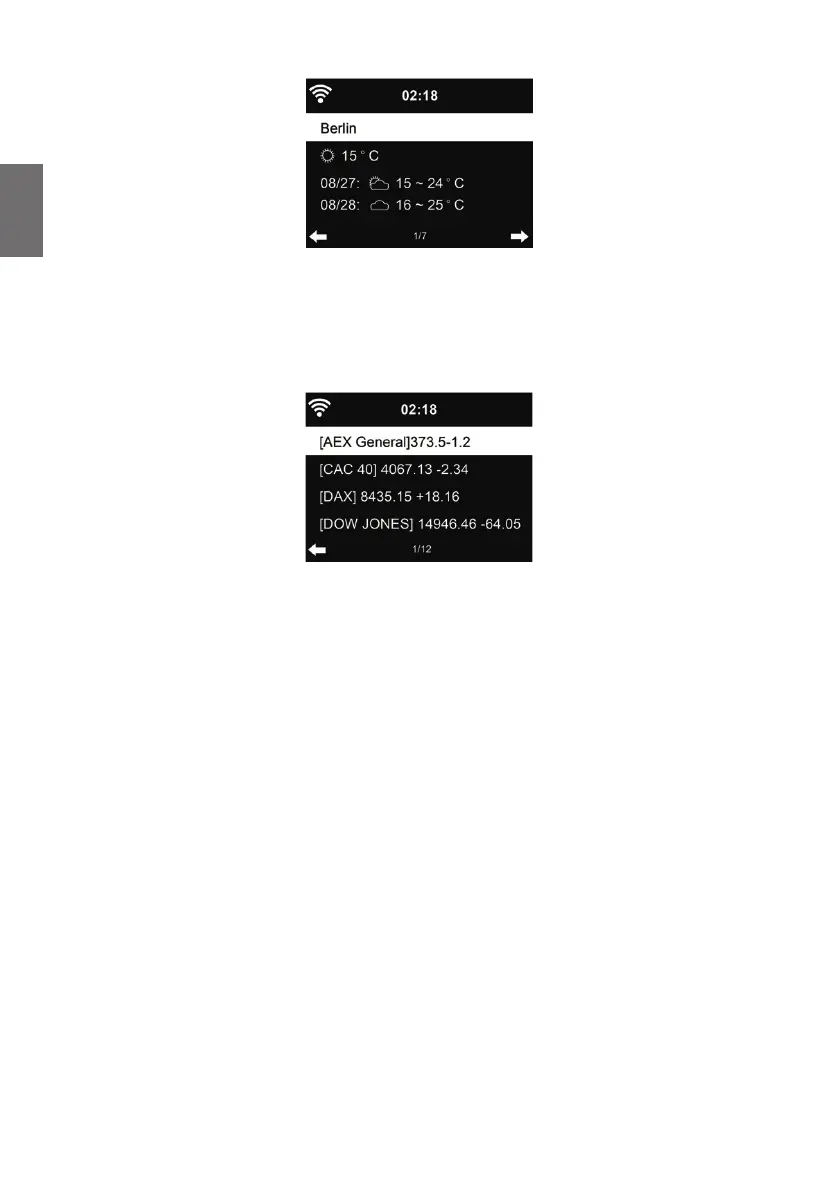
Press ◄/► to see the weather forecasts.
It is possible to display the weather information on the standby mode. On the weather information
page, press OK to set the city to be displaying on the standby mode. Then turn on the weather
display in Standby as mentioned in chapter „12.13. Weather“ auf Seite 46
11.2. Financial Information
View the stock index from around the world.
11.3. System Information
Check out the version of the system, and the details of connected network. The information includes
MAC address which you are required to ll in when registration of my mediaU membership.
11.3.1. SW version
The software version of the device is displayed here.
11.3.2. Radio network info
It displays the following information:
• Status (WLAN)
• MAC address
• SSID (router)
• IP address
• Subnet
• Gateway
• DNS1
• DNS2



 To Next Page