45English
English
Select the OSD language: English / Deutsch / Español / Français / Português / Nederlands /
Italiano / Pусский / Svenska / Norsk / Dansk / Magyar / Český / Slovenský / Polski / Türkçe / Suomi
12.8. Dimmer
Con gure the brightness of backlight on the display.
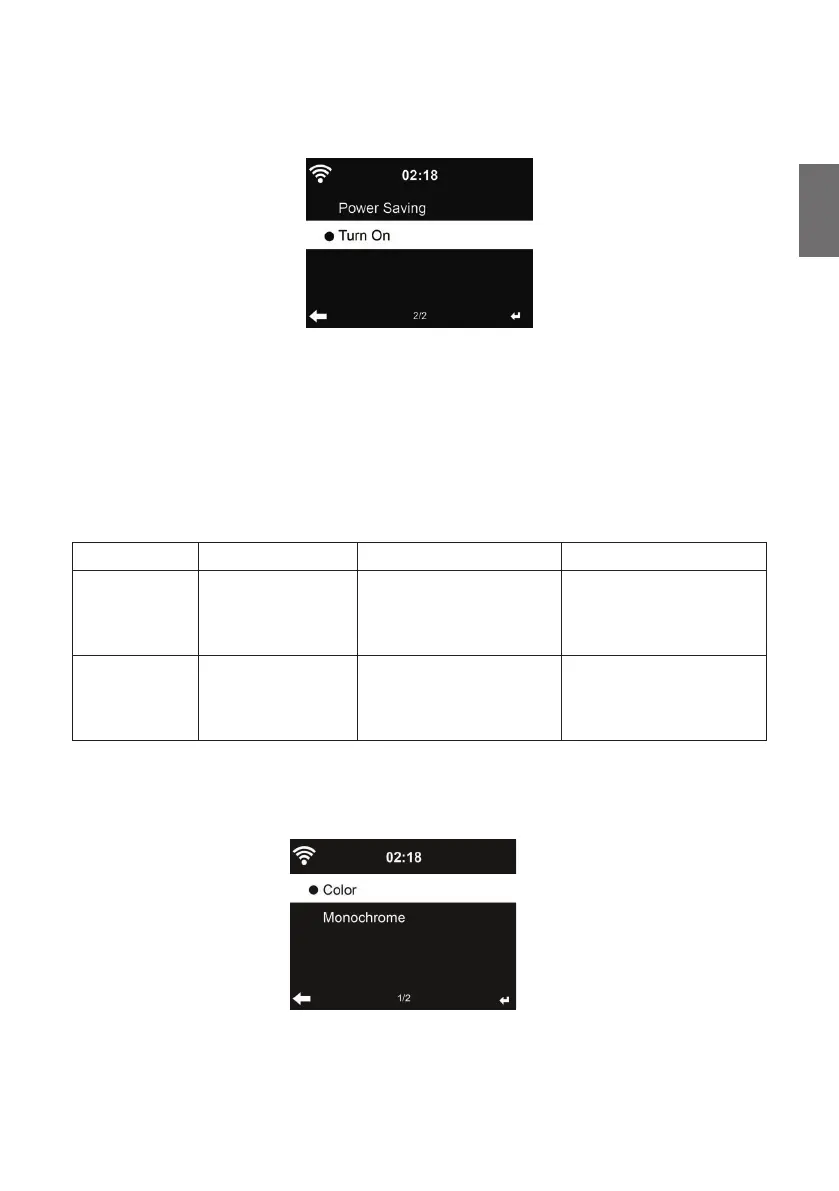
If you select Power Saving you can select the level to which the display is dimmed down when the
radio enters the Standby mode or when the radio gets no key input for 15 seconds.
The Turn On options keeps the display always illuminated. If you select it you can set the display
brightness.
See below table how the Dimmer settings will affect the screen illumination:
Choice Brightness level On Playing On Standby
Power Saving As you set
After 15s, the screen
brightness switches to
Power saving brightness
level you set
After 15s, the screen
brightness switches to
Power saving brightness
level you set
Turn On As you set
The screen stays always
on the set brightness level
After 15s, the screen
brightness switches to
Power saving brightness
level you set
12.9. Display
Choose the style of display: Color or Monochrome



 To Next Page