29
English
EN
• Press the button to stop fast forward/backward
5.3. Repeat Function (CD and USB)
In CD mode repeat play can be set by pressing the
button on the remote control.
The following options are available:
• SINGLE: repeat a single song
• DIR: repeat all songs in this directory
• ALL: repeat all songs
• OFF: repeat mode off
5.4. Playing Random (CD and USB)
For CD mode random play can be set by pressing the
button on the remote control. The music
will then be played in a randomly order.
5.5. Program (CD and USB)
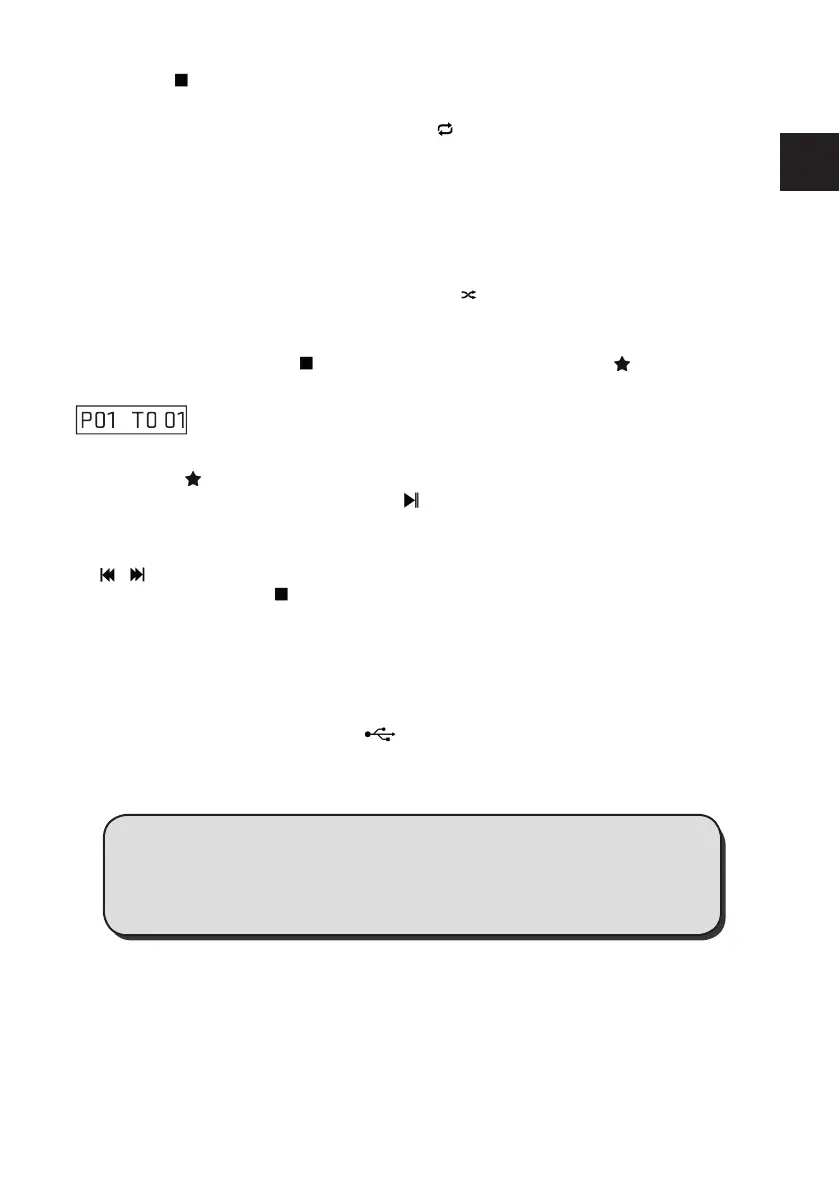
When playing music, press the
button on remote control, then press the button and the fol-
lowing information will be displayed on the screen.
You can choose a track with the remote control numeric keys to store as P01, P02 etc. In this pro-
cess, press the button each time to select a certain track.
After you selected all desired tracks, press the button to begin the playback. You can program a
maximum of 20 tracks.
In programmed play back, the numeric keys on the remote control are invalid, you can only press
the / buttons to change the track.
Change source or press the button twice to clear the program setting.
6. USB Music Playback Mode
Connect an USB mass storage device (e.g. MP3-Player, USB ash memory stick, etc.) to this unit
to enjoy the device’s stored music through the powerful speakers of this radio.
• Insert the device’s USB plug into the port at the rear of the unit.
• Press the MODE button or press the USB button on the remote control to select the USB
function.
• The device’s stored music will be played automatically.
7. Bluetooth
You can listen to music from a mobile device if it is connected to the DR 790 CD via Bluetooth.
You need to pair your Bluetooth device rst with this unit before you can use it.
Note: In order to avoid interferences, deactivate Wi-Fi on your device (Smartphone, tablet, etc...)
when playing music using Bluetooth.
Please note: The functions Repeat, Random and Program are also
available in the USB mode. For a detailed description of the functions,
refer to chapters 5.3. to 5.5.



 To Next Page