— 16 —— 16 —— 16 —
REMOTE ACCESS
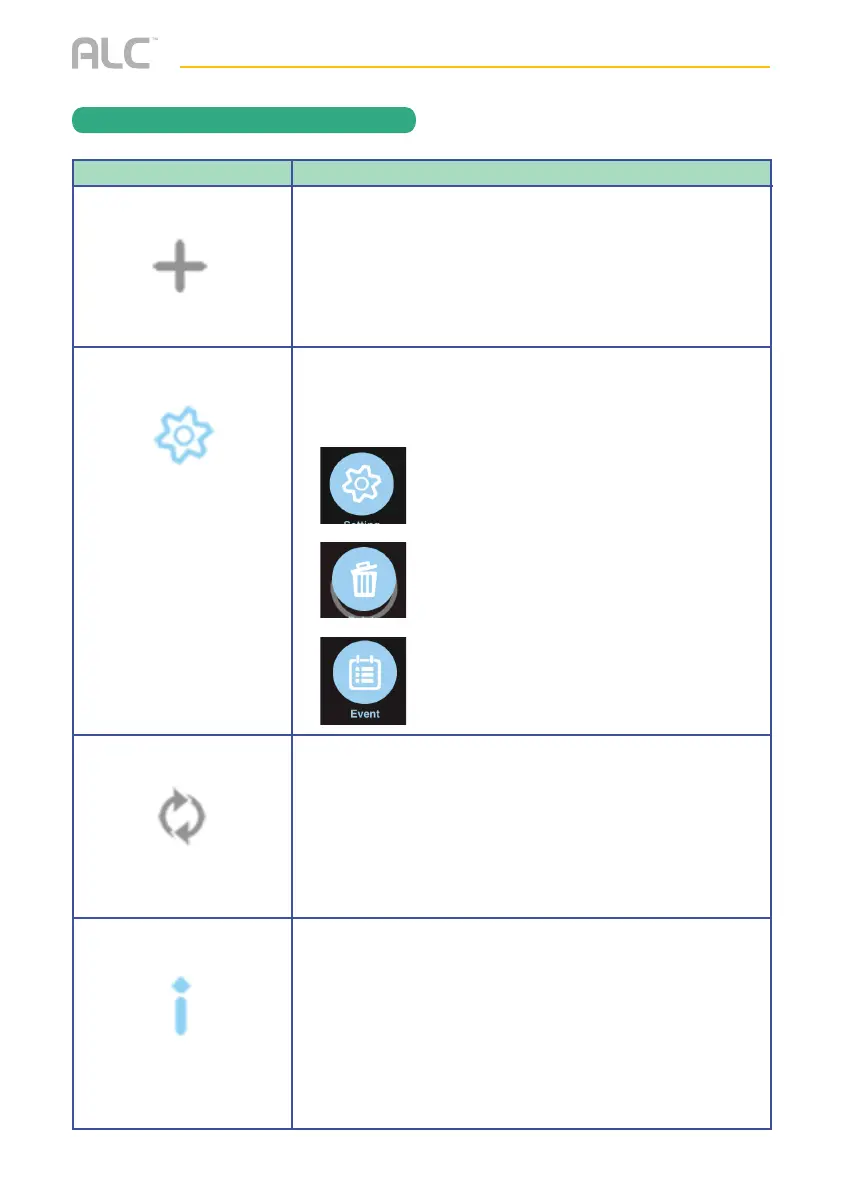
ALC SightHD App Icons
Icon
Add System
Edit Setting
Reconnect
Information
Icon Description
Tap this icon to enter the setup wizard; see page 13.
Tap this icon to access the App’s options. See below:
Tap this icon to refresh the camera’s connection.
Tap this icon to enter the Setup PIN Lock, or view the
doorbell’s info. See page 27.
Tap this icon to set up camera
configuration or make changes to your
existing settings. It is also where the
Advanced Settings are accessed.
Tap this icon to delete the camera setup from
the app. This will not reset the camera or
remove it from your Wi-Fi network.
Tap this icon to access the Events List to
check or playback the videos. See page 22.


 To Next Page