— 17 —— 16 —— 16 —— 16 —
REMOTE ACCESS
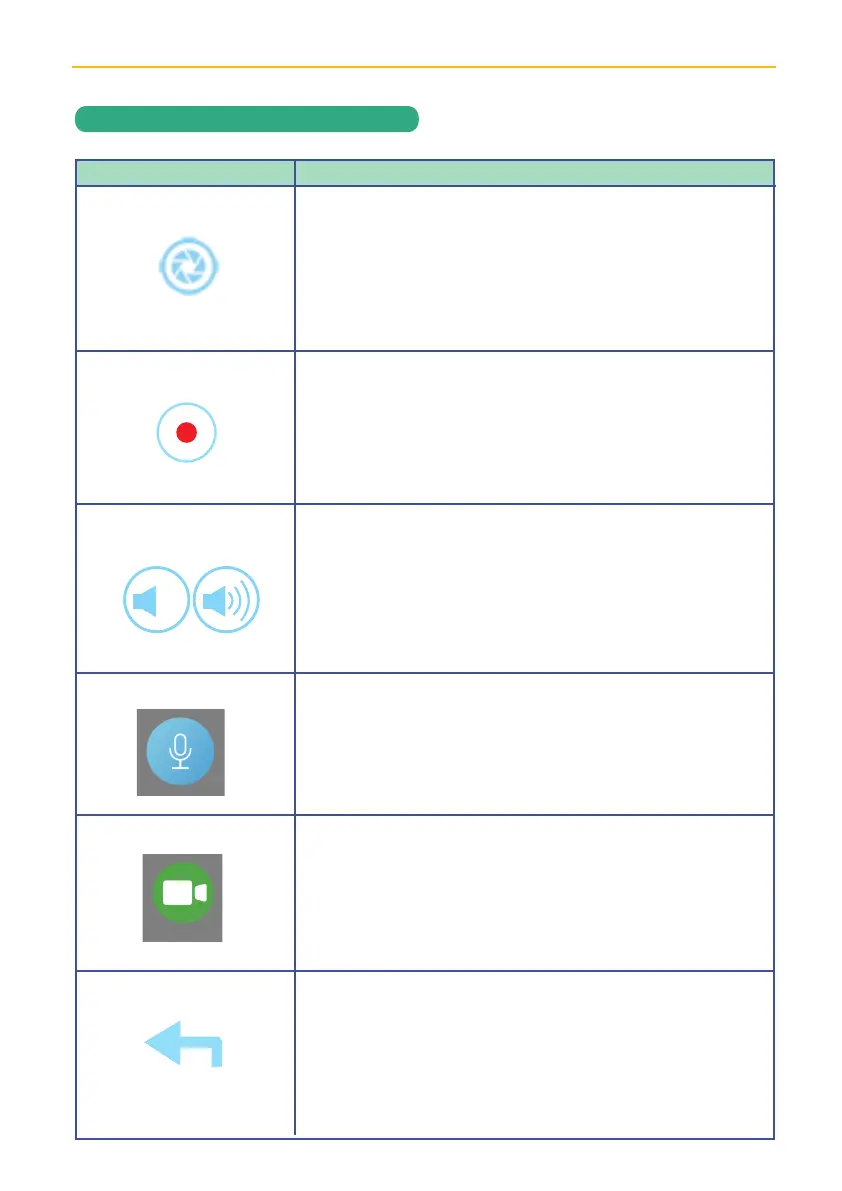
ALC SightHD App Icons
Icon
Snapshot
Record
Mute
Microphone
Still
Return
Icon Description
Tap to capture screen images. The snapshots will be
saved into the camera roll of your mobile device.
See page 18 for more details.
Press to hear the sound of the camera’s microphone
through the SightHD App. Tap again to mute the sound.
Tap and hold, then speak into your phone/tablet and
it will be heard through the doorbell. Release to hear
response.
Tap to pause the live streaming video, but still allow
audio. This is for the case you have a weak connection
to the doorbell on your phone but want to at least talk to
whomever is at the door.
Tap to return to the Main screen.
Tap to record and tap again to stop recording.
See page 20 for more details.
X


 To Next Page