109
Poor image quality on all the monitors: distor-
ted picture, ghost images, loss of synchronisa-
tion.
Check that coaxial cable line has a 75 Ohm load: with
two monitors in parallel cut the 75 Ohm resistance on the
first monitor. Check coaxial connections. If splitter has been
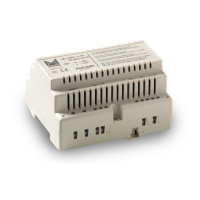
used, check that the voltage between - and + of the splitter
is 15 Vdc. If you cannot find the fault, there may be some-
thing wrong with the video unit.
Poor image quality on one monitor: distorted
picture, ghost images, loss of synchronisation.
Check that coaxial cable line is charged with 75 Ohm.
Check coaxial connections. If you cannot find the fault there
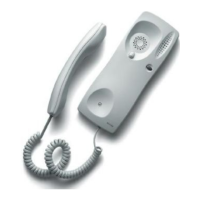
may be something wrong with the monitor.
Auto switch-on does not work on any monitor.
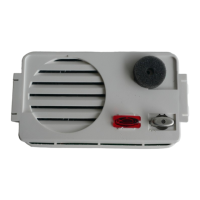
Check that the voltage between 1 and 2 of the audio unit,
without pushing the auto switch-on button is 5Vdc. If you
cannot find the fault there may be something wrong with the
audio unit.
Auto switch-on does not work on one monitor.
Check that pushing the auto switch-on button the red led
flash. Check that the system is not engaged. If you cannot
find the fault, there may be something wrong with the con-
nection bracket or the monitor.
White picture in all the monitors
Check that the coaxial cable to the monitors is con-
nected to the M and V1 terminals of the video unit.
Check the connection between the video and the audio
units. If splitter has been used, check that the voltage bet-
ween - and + of the splitter is 15 Vdc. Check the con-
nections of the coaxial cable from the video unit to the
monitors. Check the position of the J1 configuration jum-
per in the connection brackets. If failure is not detected,
there may be something wrong with the video unit or the
audio unit.
White picture in one monitor
Check the position of the J1 configuration jumper in
the connection bracket. Check the connection between
the connection bracket and the monitor. Check the con-
nections of the coaxial cable in the monitor's connection
bracket. Check coaxial's connection from the connection
bracket to the video unit. If failure is not detected there
may be something wrong with the tap-off, connection
bracket or monitor.


 To Next Page
 Loading...