93
INSTALLATION KIT - SINGLE POINT OF ENTRY
6+N+COAXIAL SYSTEM
Standard wiring diagram for electronic video door
entry installations using the kit for a single house.
Operation
When the pushbutton on the entrance panel is pressed,
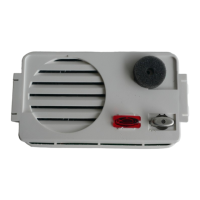
the audio unit activates the video unit (connector 19) and
generates an electronic call signal (terminal 7) which is
sent by the call wire to the monitor in the house (terminal
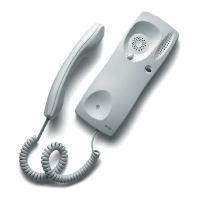
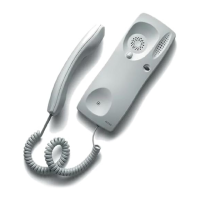
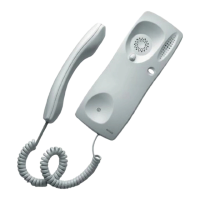
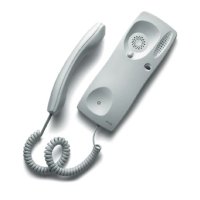
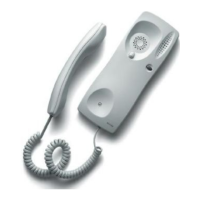
5). The loudspeaker of the handset of the monitor emits
a warning sound, informing the house of the incoming
call. At the same time, the visitor hears a sound, produ-
ced by the loudspeaker of the audio unit, which confirms
that the call to the house has been made. The video unit
switches on, capturing the image of the visitor and sen-
ding the video signal to the monitors (V1, M).
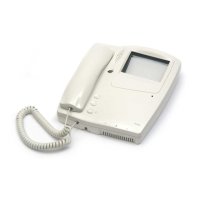
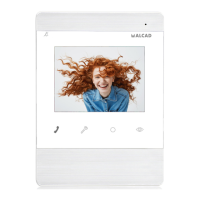
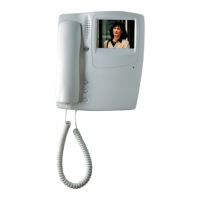
The monitor is activated and connected to the power
supply terminals (terminals -,+) when it receives the call,
allowing it to receive the video signal of the video unit
(terminals V1, M) and to show the image of the visitor.
The monitor is also connected to the common wire (2)
and to the lock release wire (1). If the handset is picked
up the audio wires (3 and 4) of the monitor are connected
to the entrance panel, establishing conversation with the
visitor. When the lock release button of the monitor is pres-
sed, the audio unit detects the closing of the lock release
circuit (terminal 1 to ground). The audio unit then sends an
alternate voltage (terminals 11 and 12) to the electric lock,
permitting the opening of the door.
All the signals are closed through the common wire (ter-
minal 2) of the monitor and of the audio unit.
Time settings established by the audio unit:
Time limit to answer the call 30 seconds
Time for conversation 60 seconds or until the handset is
replaced
Auto switch-on
When the auto switch-on button is depressed the monitor
is activated, presenting the same characteristics as if a call
has been received from the entrance panel.
Time settings for the audio unit 30 seconds or until the
handset is replaced.
230 V
V
ABR-001
2
1
ALM-040
2
MVB-001
+
SCM-010
4+N
COAX
22
SECTION TABLE
Up to 100 m
1,1 mm
0,6 mm
0,25 mm
2
AWG
17
1 mm
2
COAXIAL 75 Ω
MATERIAL REQUIRED
KVS-081019720000 Video door entry Kit with
1 single push-button


 To Next Page
 Loading...