25 26
• Slide up/down to view previous or next pictures/videos.
Working with photos
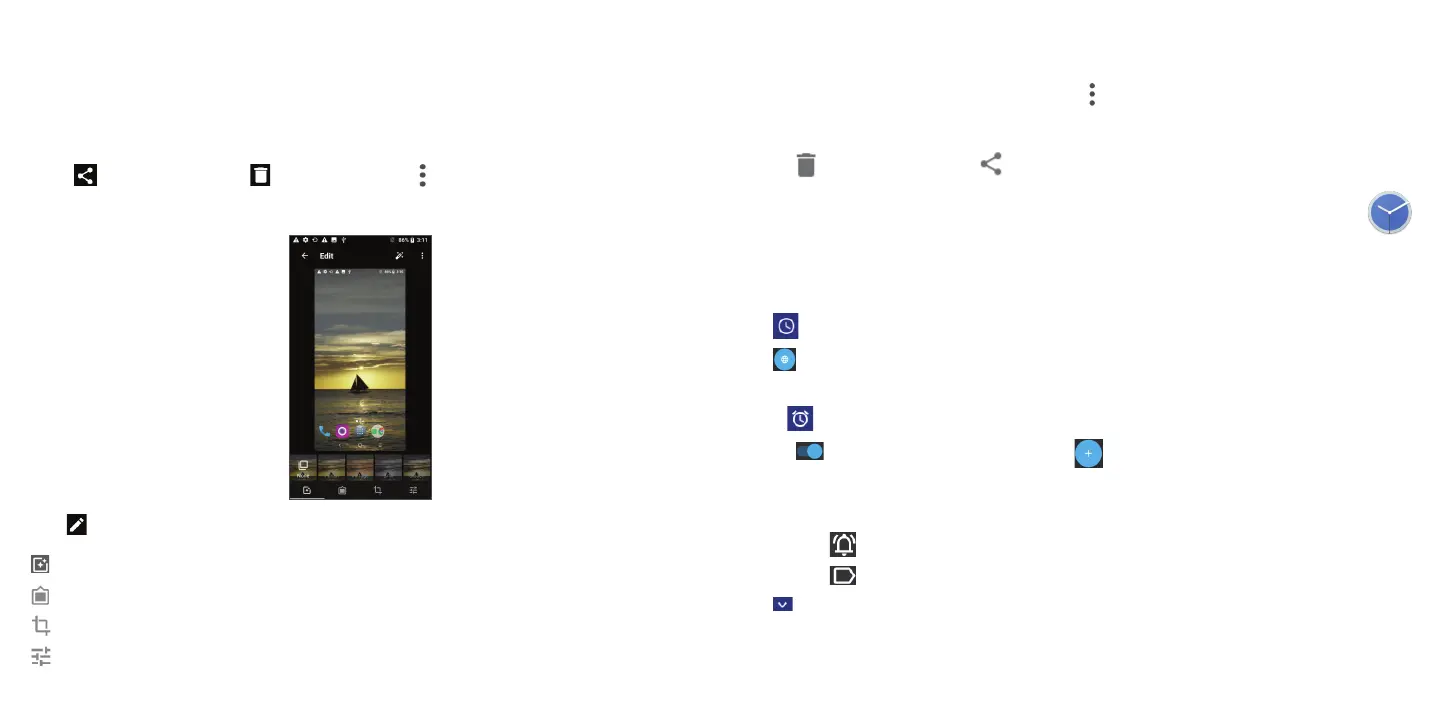
You can work with pictures by rotating or cropping them, sharing them with friends, setting them as a contact photo
or wallpaper, and more.
• Tap on the picture or video you want to work on to view it full-screen.
• Tap
to share the picture, or tap to delete the picture. Tap and select Set as to set the picture as Contact
photo or Wallpaper.
Touch from full-screen picture view, more options will display for you to choose from.
Set effects such as Punch, Vintage, B/W, Bleach, etc.
Add a border.
Crop, Straighten, Rotate, Mirror or Draw the picture.
Adjust the picture color.
Batch operation
The Gallery provides a multi-select function, so that you can work with pictures/videos in batches.
• On Moments or Albums -> Select albums screen, tap
and tap Select items to activate batch operation mode
(you can also long press one album/picture).
• Tap the videos/pictures you want to work with.
• Tap
to delete selected files. Tap to share selected files.
3.9 Clock .................................................................................................
To access clock, swipe upward from the Home screen, then tap Clock.
Setting world clocks
Tap to open the clock screen.
Tap
to search for another time zone. After selecting the time zone it will be displayed on the clock screen.
Setting alarms
Touch to open the alarm screen.
Turn on
to enable or disable existing alarms, or tap to create a new alarm. When creating an alarm:
Enter the alarm time.
Tap Repeat to select when the alarm will be enabled.
Tap
to select the alarm sound.
Tap
to name the alarm.
Tap
to edit an existing alarm.
Setting timer



 To Next Page