ACD : Agent set
26
8
Other
8.1
Agent set
A call centre solution allows optimum distribution of calls to agents according to their availability and skills.
8.2
Open an agent session (login)
• ACD application welcome screen
8.3
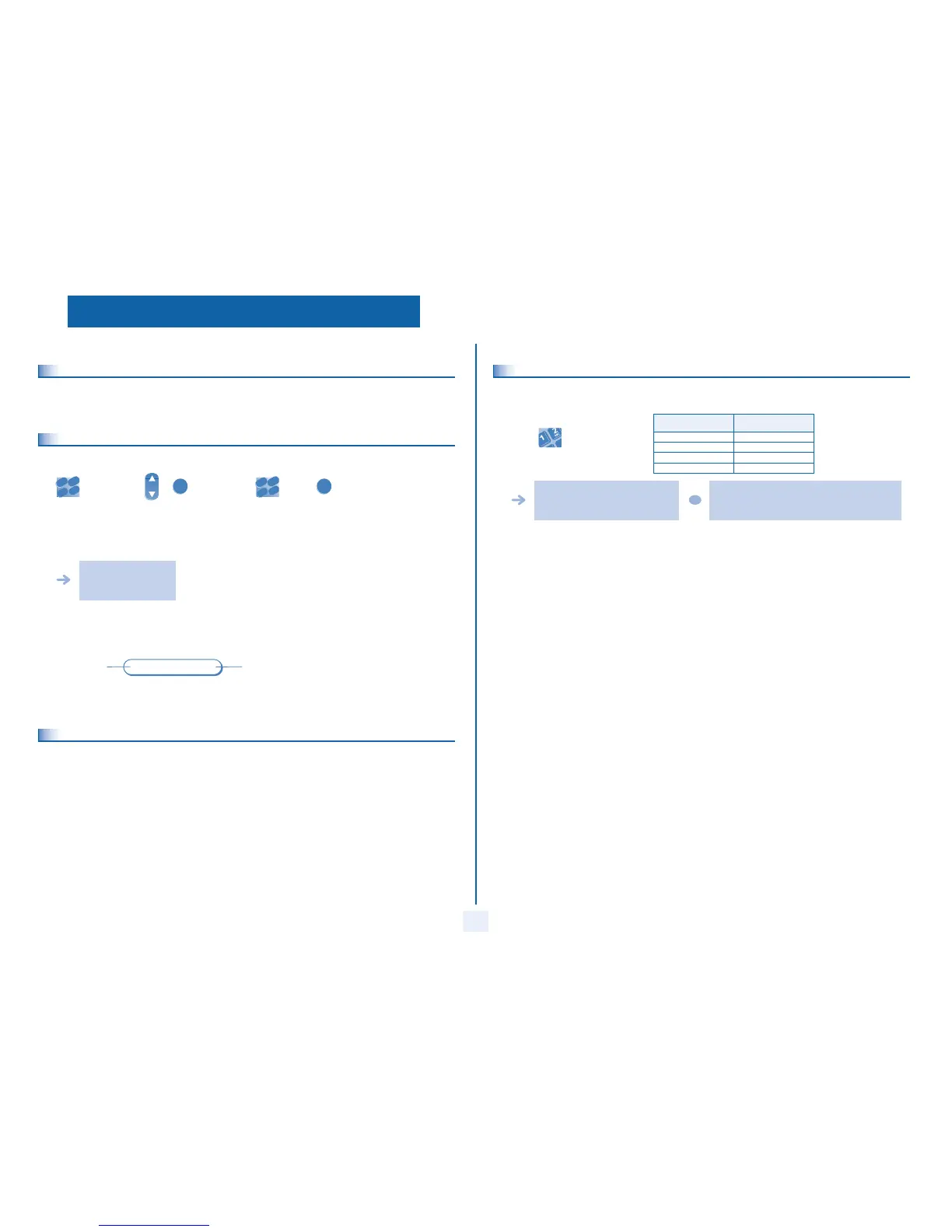
The four operating statuses of the agent set
An agent's availability is determined by the operating status (of which there are 4), that the agent can change at any time. These
statuses are:
• In service, the agent is ready to receive calls.
• Withdrawn , the agent has withdrawn from the ACD application.
• Additional task, the agent is performing a task concerning a call and is not taking other calls.
• Temporarily absent, the agent has taken a break and is not taking calls.
enter the code
for the 'login'
function
select the agent and
validate
depending the displayed
informations, enter
your password or
confirm
ACD application welcome
screen display
name of the
agent set
status of the
queues
2
6
5
3
ab c
def
jkl
m
n
OK
[01]
[A2]
8.4
Changing the operating status of the set
The operating status change codes are defined when the system is configured. Contact the system administrator to obtain these
codes.
Statuses Codes
in service
withdrawn
enter the feature code
to activate
additional task
temporarily absent
A melody is played: activation accepted, the
change of status has been carried out
A 'buzzer' type alarm sounds: activation refused, the set
is probably not taken into account by the call centre; you
should contact your administrator
OR



 To Next Page