47 48
2.2 Text editing
You can edit texts which you have entered.
• Long press or double tap within the text that you
want to edit.
• Drag the tabs to change the area of the selected text.
• The following options will appear: Cut, Copy, Share
and Select all.
• If you have previously cut or copied any text, touch
the tab to show paste which allows you then paste
the text at the current location.
3
Phone, Call logs and
Contacts ...................................
3.1 Phone .................................................
3.1.1 Making a call
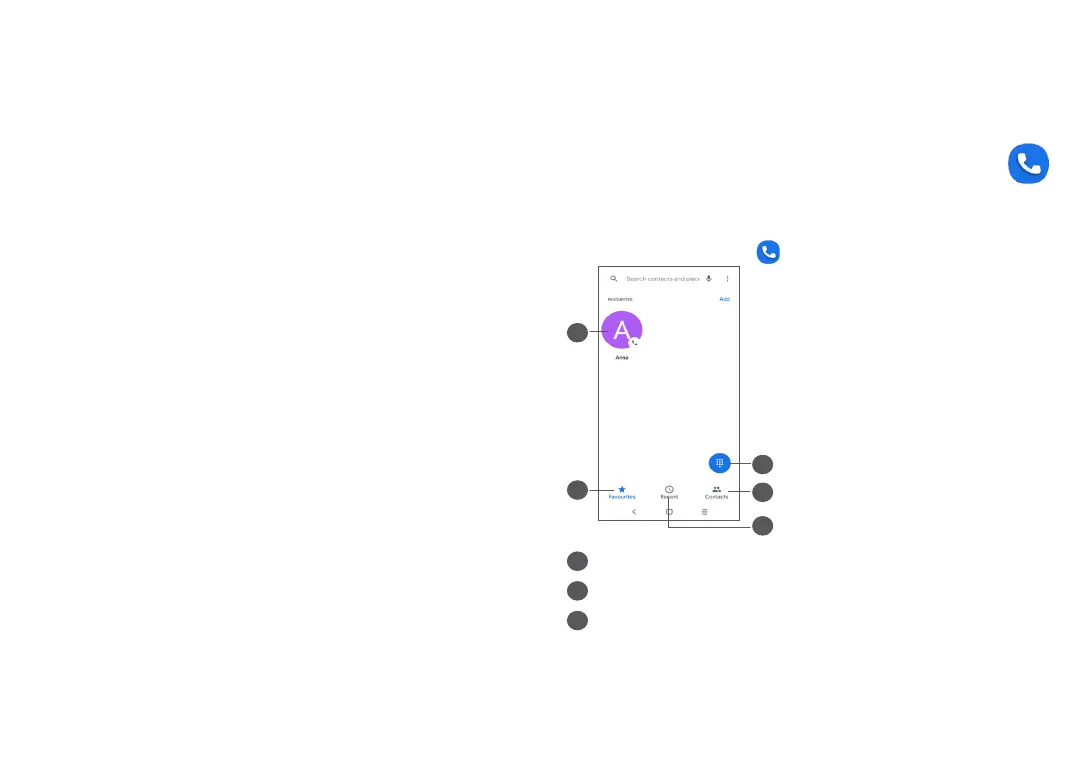
To make a call, touch in the Favourites tray.
3
2
1
4
5
1
Show the dial pad
2
Contacts
3
Call logs



 To Next Page