109 110
The phone becomes warm following prolonged calls,
game playing, internet surfing, or running other
complex applications
• This heating is a normal consequence of the CPU
handling excessive data. Ending the above actions
will make your phone return to normal temperature.
After Factory reset is performed, I can't use my phone
without entering Google Account credentials
• After reset is performed, you must enter the original
Google Account credentials that were used on this
phone.
• If you don’t remember your Google Account
credentials, complete Google Account recovery
procedures.
• If you still cannot access your phone, apply to the
authorized repair center, but remember that it will
not be regarded as warranty case.
The phone doesn't ring when a call or message arrives
• Make sure that Do Not Disturb mode (go to Settings >
Sound > Do Not Disturb) is not activated.
• Press the Volume up/down key to adjust volume.
I forget some passwords/codes/keys on phone
• Perform Factory reset.
• If you still cannot access your phone, apply to the
authorized repair center, but remember that it will
not be regarded as warranty case.
13
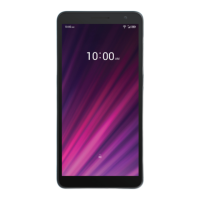
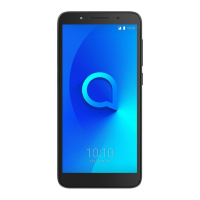
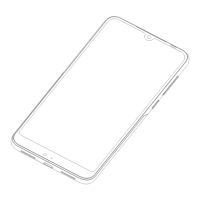
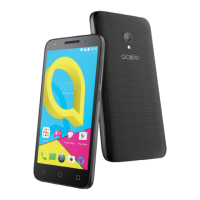
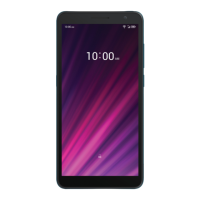
Specifications ......................
Processor:
QM215-3
Platform:
Android 10 GO Edition
Memory:
32GB+2GB
Dimensions (LxWxT):
146.1*71.6*9.9mm
Weight:
168g
Display:
HD+ 720X1440; 18:9
Network:
GSM: 850/900/1800/1900
UMTS: B1/2/4/5/8 (2100/1900/1700/850/900)
LTE B2/B4/B5/B7/B12/B13/B17/B66


 To Next Page