12
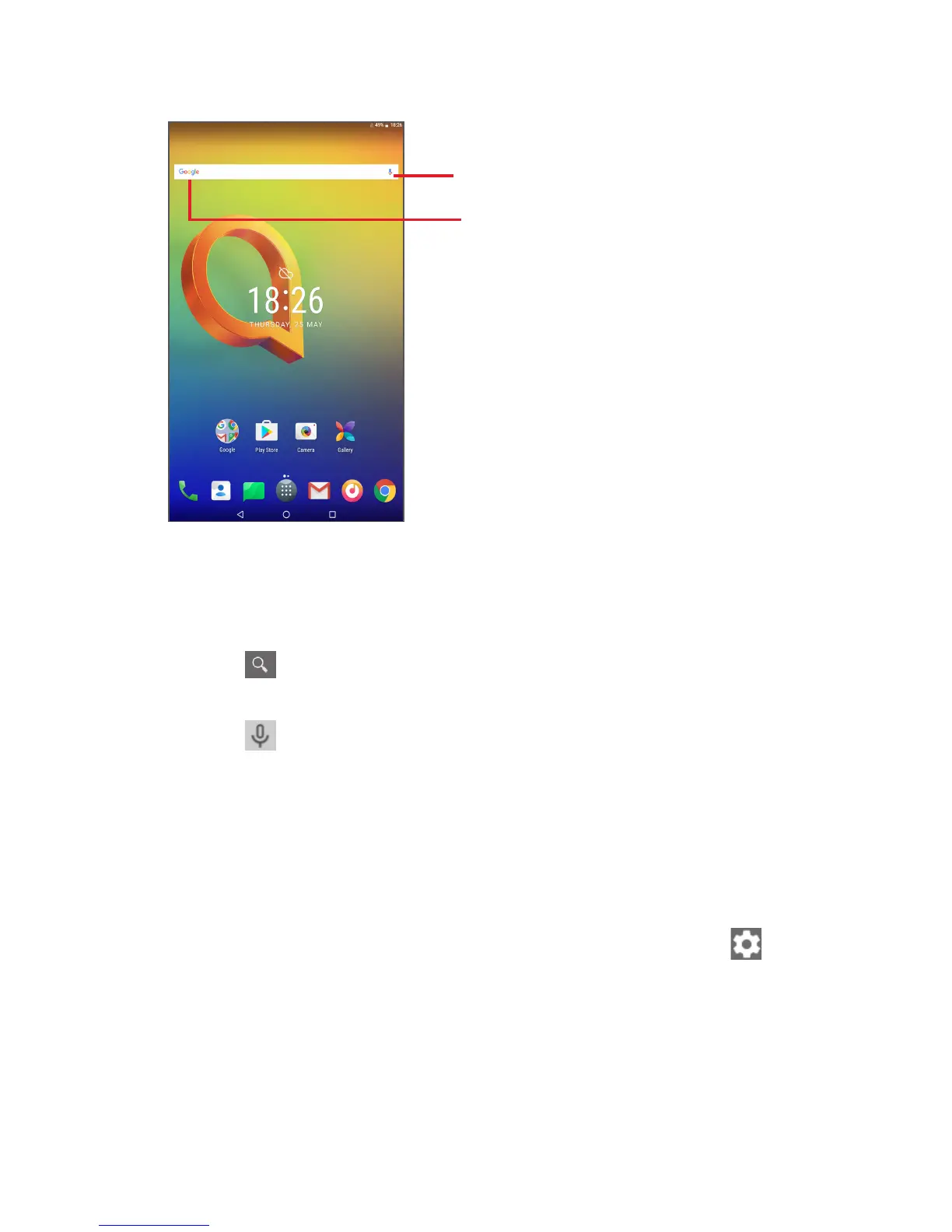
1.3.3 Search bar
The tablet provides a Search function which can be used to locate
information within applications, the tablet or the web.
Search by voice
Search by text
Search by text
• Touch the Search bar from the Home screen.
• Enter the text/phrase you want to search for.
• Touch on the keyboard if you want to search on the web.
Search by voice
• Touch from the Search bar to display a dialogue screen.
• Speak the word/phrase you want to search for. A list of search results
will display for you to select from.
1.3.4 Lock/Unlock your screen
To protect your tablet and privacy, you can lock the tablet screen by
choosing Swipe or creating a variety of patterns, PIN or password, etc.
• Drag down the Quick settings panel and touch the settings icon to
enter Settings, then touch Security > Screen lock > Pattern.
• Draw your own pattern.



 To Next Page