6
Power key
• Press: Lock the screen/Light up the screen
• Press and hold: Power on or pop up the menu to get more
options, such as Power off, Flight mode, etc.
• Press and hold Power key and Volume Down key to
capture a screenshot.
Volume Keys
• In Music/Video/Streaming mode, adjust the media
volume.
1.2 Getting started
1.2.1 Setup
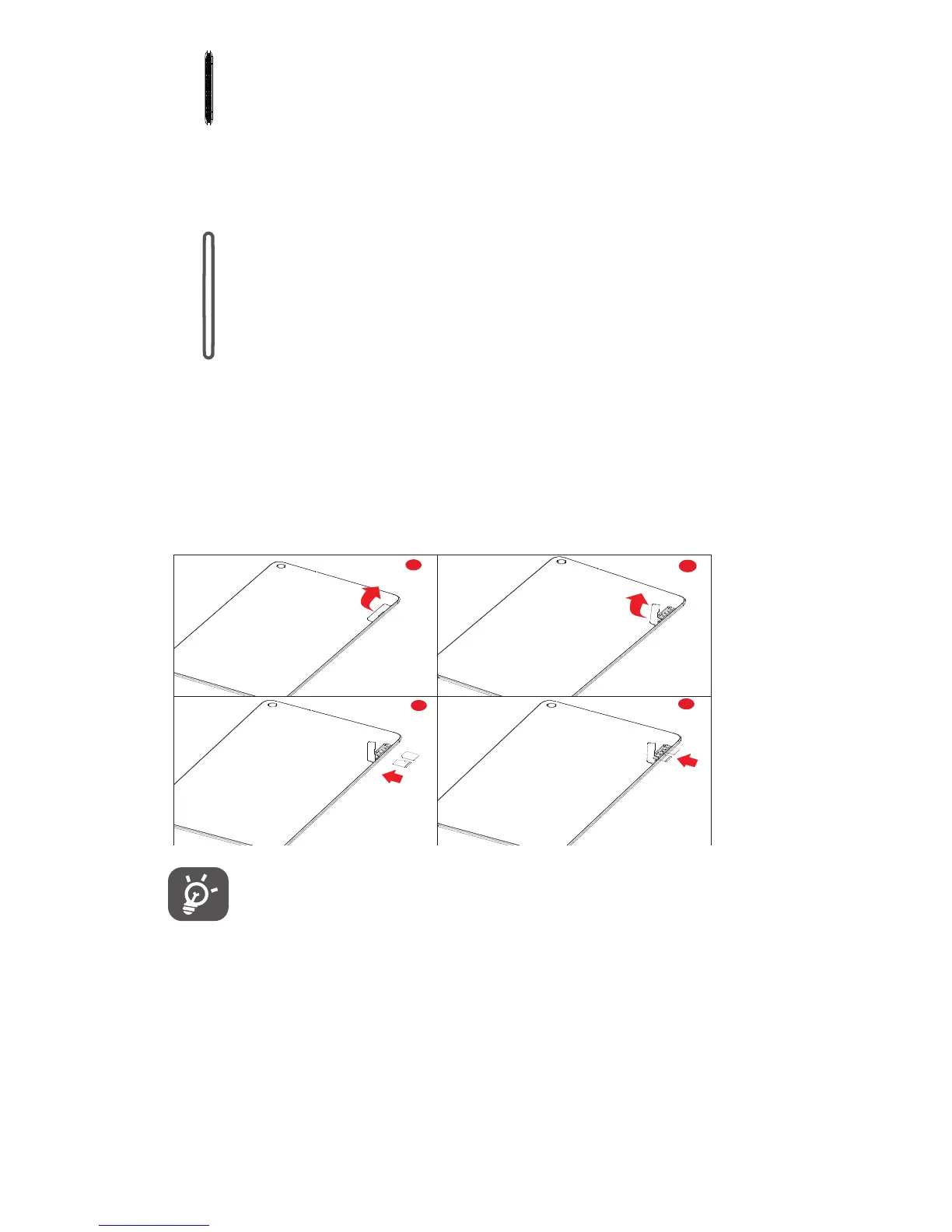
Inserting the micro SIM card & the microSD card
Your tablet only supports micro-SIM cards. Do not attempt to
insert other SIM types like mini and nano cards, otherwise you
may damage your tablet.



 To Next Page