5
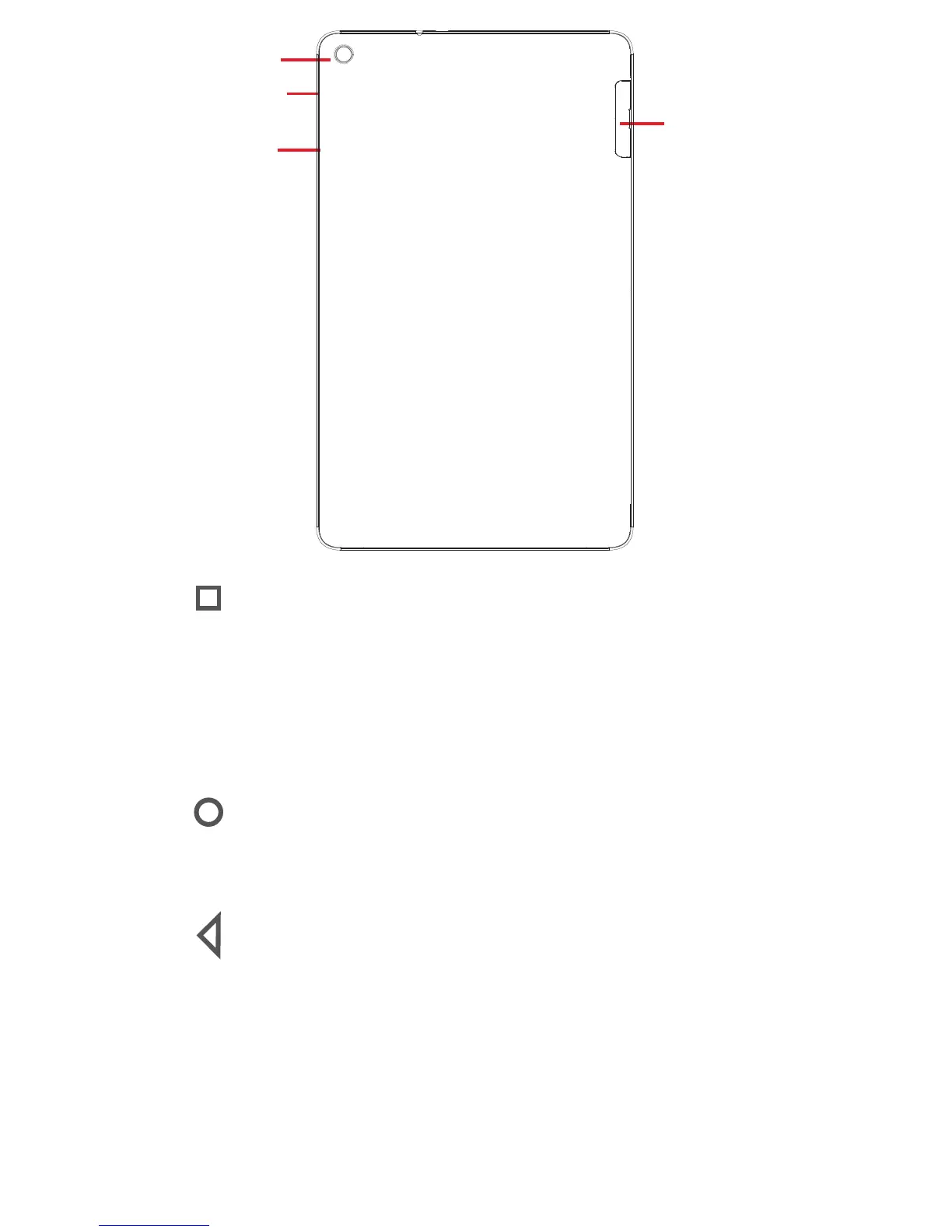
Rear camera
Power key
Volume
keys
SIM card and
Micro SD
card slots
Recent key*
• Touch to open a list of thumbnail images of applications
you've worked with recently.
• Long press: this allows you to split the tablet screen into
two separate screens and lets you choose another recent
app to use at the same time. Note: not all apps work in
split-screen mode
Home key*
• While on any application or screen, touch to return to the
Home screen.
Back key*
• Touch to go back to the previous screen, or to close a
dialogue box, options menu, the notification panel, etc.
* These keys are visible when the screen lights up.



 To Next Page