16
2 Text input
2.1 Using onscreen keyboard
Onscreen keyboard settings
Drag down the Quick settings panel and touch the settings icon to
enter Settings, select Language & input, touch Virtual Keyboard, a
series of settings are available for your selection.
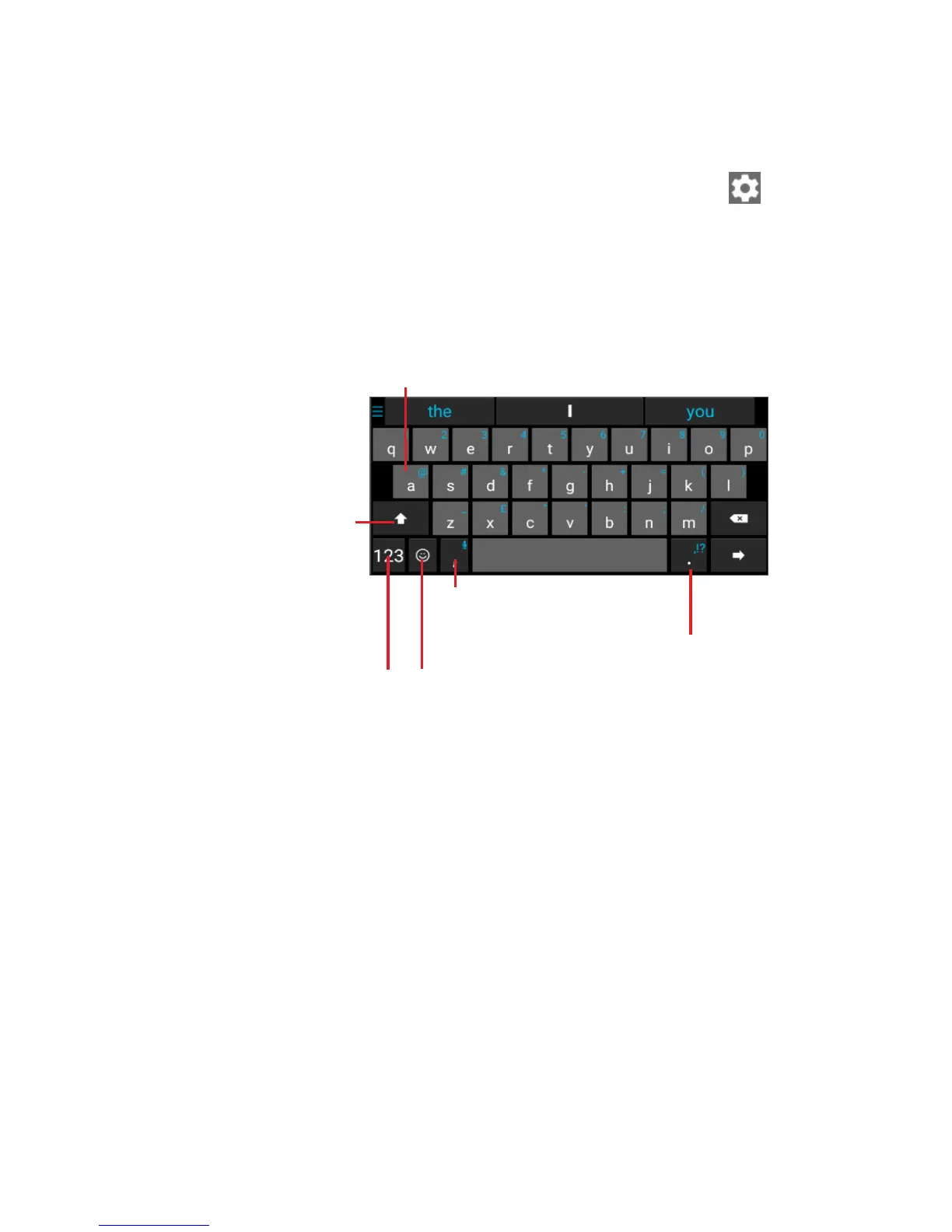
2.2 Android keyboard
Touch to activate the
numeric keyboard.
Long
press to
enter
symbols.
Touch to activate
“Abc" mode; touch
twice to activate
"ABC" mode.
Touch to select
emoticon.
Long press a letter to
display more choices
to input.
Long press to display
the settings



 To Next Page