35
5.3 Calculator
With the Calculator, you can solve many mathematical problems.
To use the calculator, touch from the Home screen, then touch
Calculator.
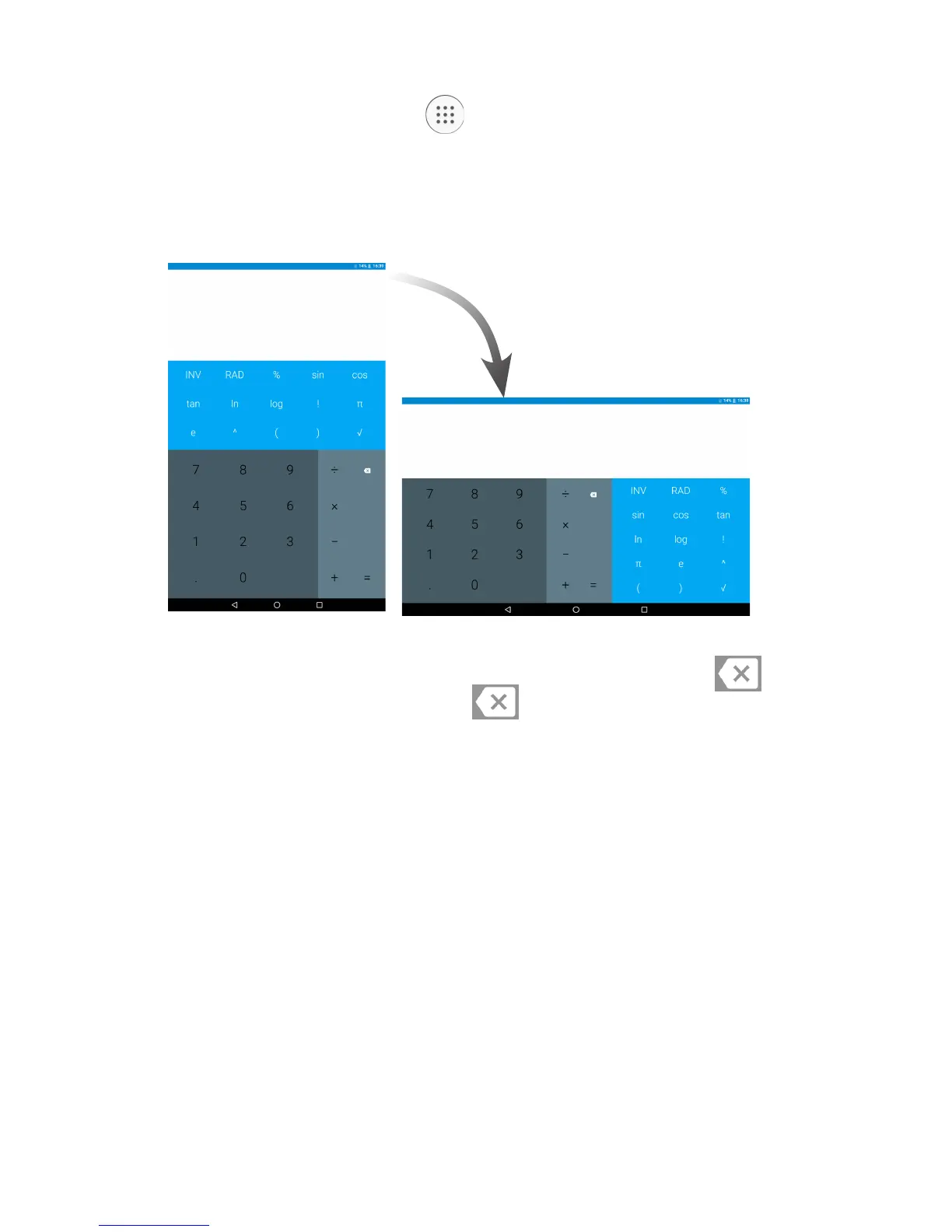
There are two panels available: Basic panel and Advanced panel.
To switch between panels, turn the device to the landscape mode from
the basic panel or swipe left to open the Advanced panel
(1)
.
Enter a number and the arithmetic operation to be performed, enter
the second number, then touch “=” to display the result. Touch to
delete digits one by one, long press to delete all at one time.
(1)
If Settings\Display\When device is rotated\Rotate the contents of
the screen is enabled, this item will display.



 To Next Page