17
2.3 Text editing
You can edit the text you have entered.
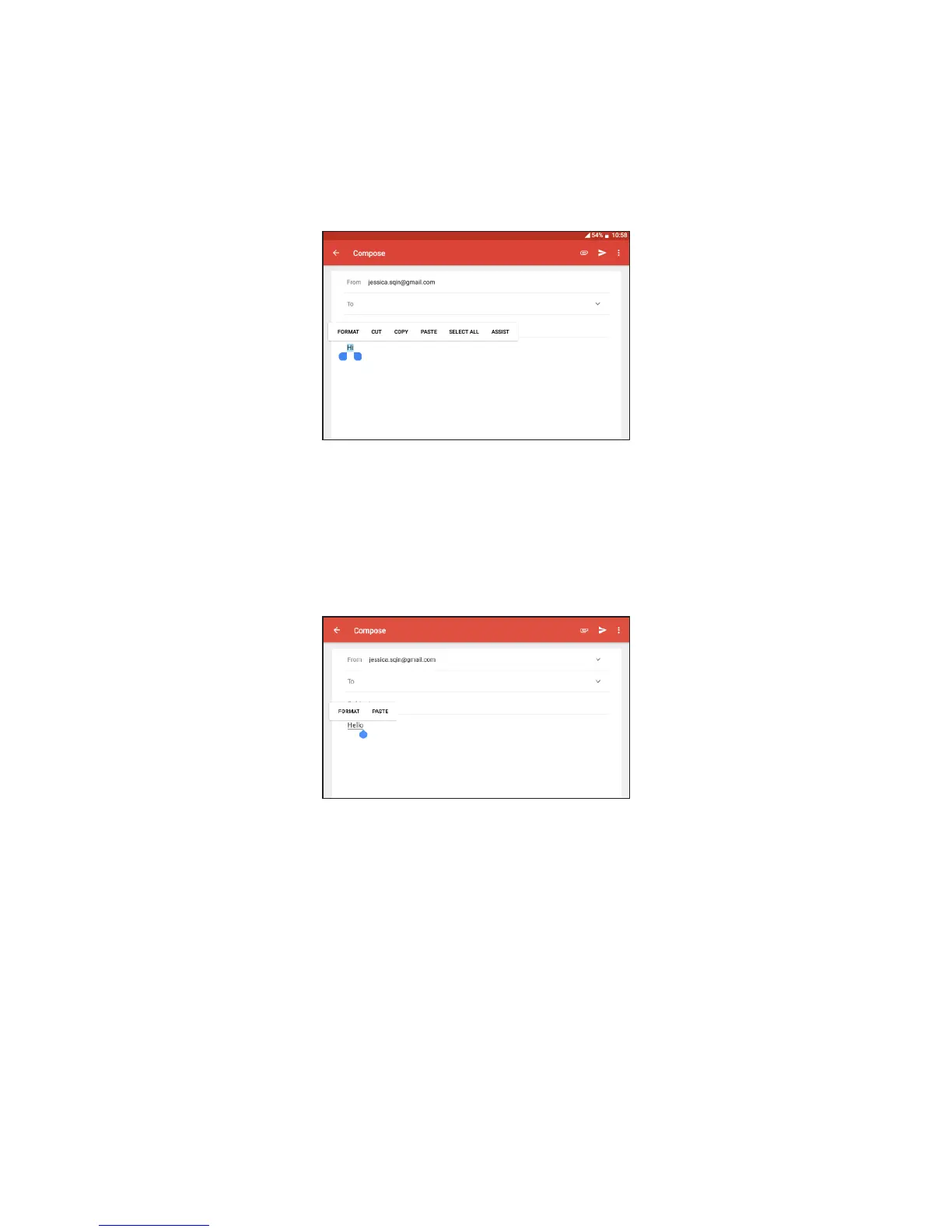
• Long press or double-tap within the text you would like to edit.
• Drag the tabs to change the highlighted selection.
• Following options will show: FORMAT, CUT, COPY, SELECT ALL,
ASSIST.
You can also insert new text
• Touch where you want to type, or long press a blank space, the cursor
will blink and the tab will show. Drag the tab to move the cursor.
• If you have selected any text, touch the tab to show PASTE which
allows you to paste any text you have previously copied.



 To Next Page