44
Video quality Touch to set the resolution ratio for front
camera.
EIS Touch to check the favourite modes and see
how to set the favourite modes
Sound recording Turn on/off Sound recording mode
Face beauty Turn on/off face beauty mode.
Shutter sound Turn on/off shutter sound.
GPS tagging Turn on/off GPS tagging function.
Volume button
function
Touch to set the volume button function
Storage Touch to set the location of the photo storage
Anti Banding Touch to set the Anti banding value
Reset settings Touch to reset to factory settings.
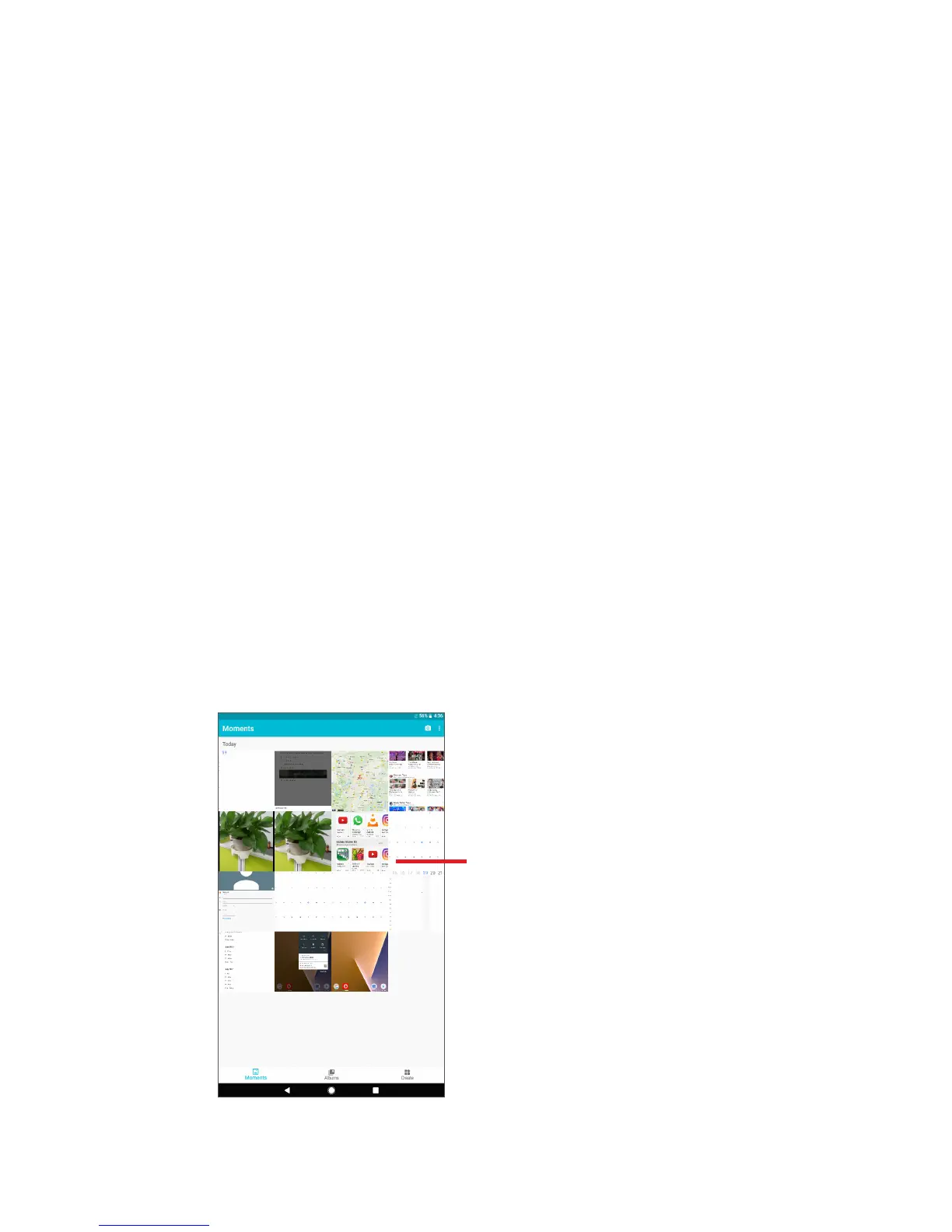
7.2 Gallery
Gallery acts as a media player for you to view photos and play back videos.
In addition, a set of further operations to pictures and videos are available
for your choice.
Touch to display a photo
or video.



 To Next Page