15
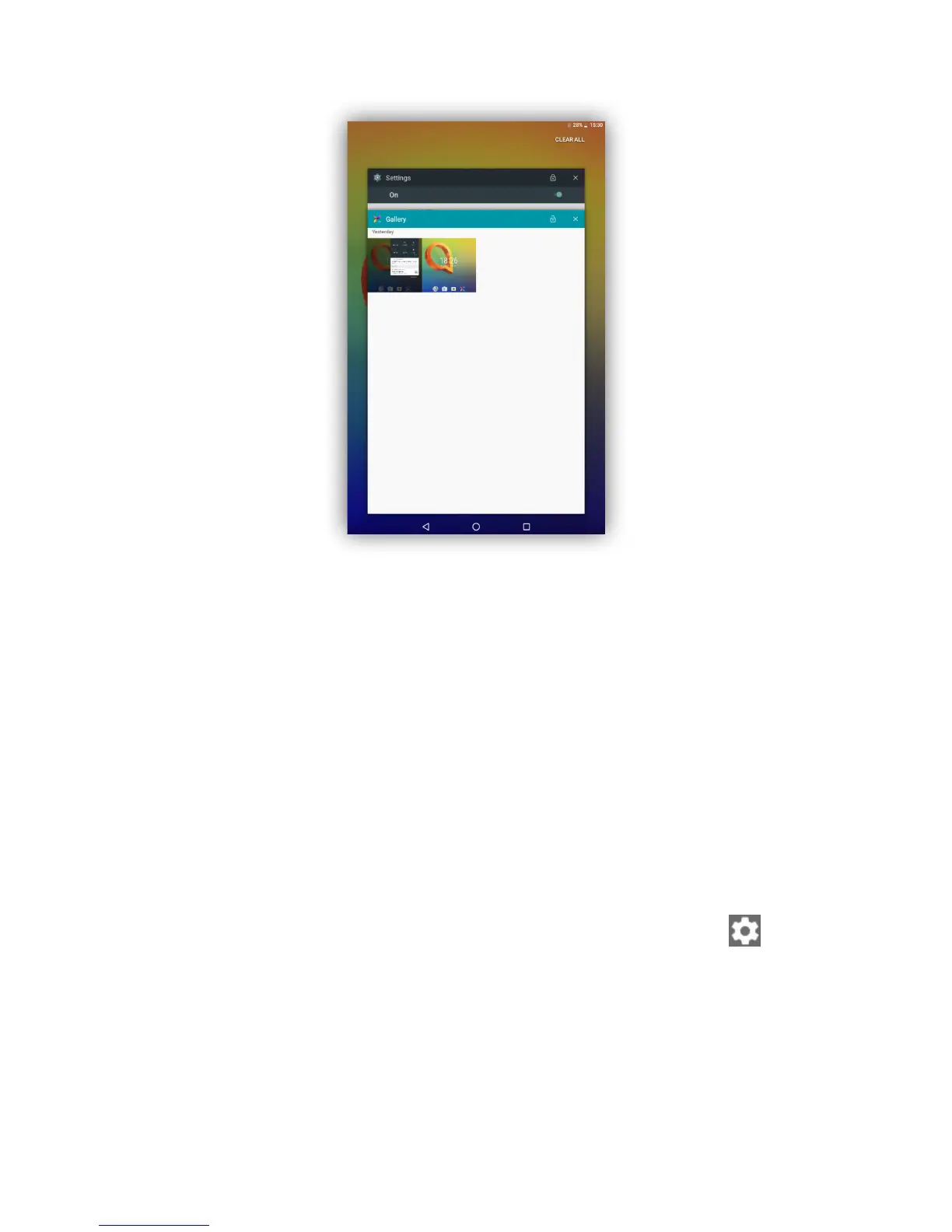
Consult recently-used applications
To consult recently-used applications, touch the Overview key. Touch a
thumbnail in the window to open the application.
Touch one thumbnail and slide it right/left or touch X to close the
application.
Touch CLEAR ALL at the top of the screen to close all the running
applications.
1.3.7 Volume adjustment
Using volume keys
Press Volume keys to adjust the volume. To activate the Silent mode,
press the Volume down key until the tablet is silent; alternatively, long
press the Power key and select Silent mode in the menu.
Using settings menu
Drag down the Quick settings panel and touch the settings icon to
enter Settings, then touch Sound, you can set the volume of media,
alarm, ring and etc. as preferred.



 To Next Page