16
3.3.4 Editing your contacts
To edit contact information, touch the Menu key in the contact details
screen, then touch Edit. When finished, touch Done.
Divert calls to voicemail/Set ringtone for a contact
(1)
On the contact's detail screen, touch the Menu key to display contacts list
options menu, touch All calls to voicemail.
When one contact has been set to send calls directly to voicemail, if he/
she calls, your phone will not ring and the caller will be sent directly to
your voicemail.
Delete a contact
To delete a contact, touch the Menu key and Delete from contact screen.
Tick the contact you want to remove and touch to confirm. Touch Select
all to delete all contacts.
The contact you have deleted will also be removed from other
applications on the phone or web the next time you synchronize
your phone.
3.3.5 Communicating with your contacts
From the contacts list, you can communicate with your contacts by making
a call or exchanging messages.
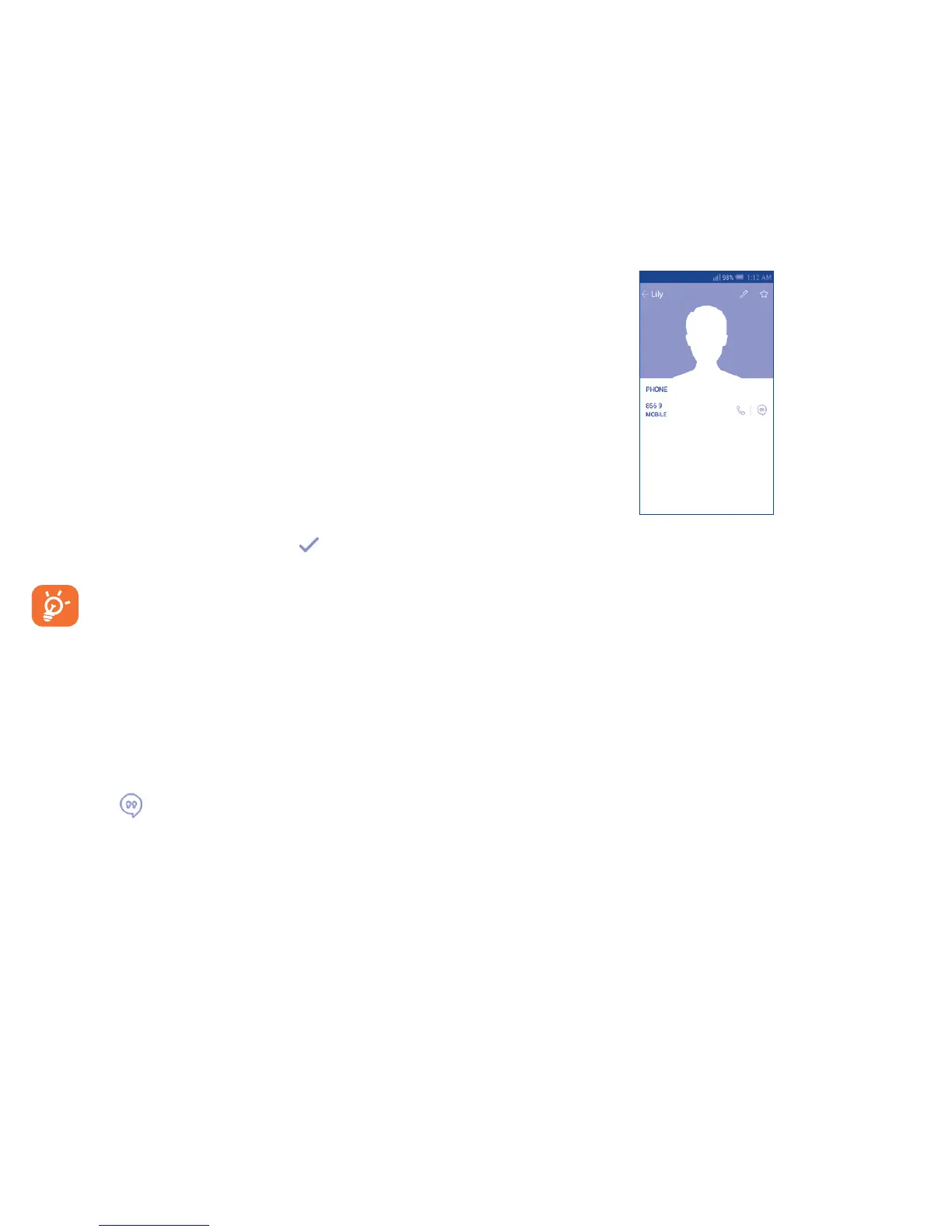
To launch a call to a contact, touch the contact to enter the detail screen,
then touch the number.
To send a message to a contact, touch the contact to enter the detail screen,
then touch the icon on the right side of the number.
(1)
You can only set a ringtone for established contacts.
The icons available on Quick Contact panel depend on the information you
have for the contact and the applications and accounts on your phone.
3.3.6 Contacts importing, exporting and sharing
This phone enables you to import or export contacts between microSD card
and phone storage.
From the Contacts screen, touch the Menu key to open the options menu,
touch Import/export, then select Import from phone/SD storage, Export
to phone/SD storage or Share visible contacts.
To import/export a single contact from/to microSD card, choose an account
and target storage location, select the contact you want to import/export,
and touch the √ icon to confirm.
To import/export all contacts from/to microSD card, choose target storage
location, mark Select all and touch the √ icon to confirm.
You can share a single contact or contacts with others by sending the
contact's vCard to them via Bluetooth, Gmail, etc.
Touch a contact you want to share, touch the Menu key and Share from
the contact details screen, then select the application to perform this action.



 To Next Page