39
8.4.2 Working with playlists
Playlists allow you to conveniently organize all songs stored in the SD card
or phone storage.
You can create a new playlist, add a song to the list, and delete or rename
a playlist.
To create a playlist
Touch Playlist from the Playlists screen, touch and enter the name,
touch Save to finish.
To delete a playlist
Touch the dropdown triangle on playlist to show the menu, touch Delete,
then touch OK to confirm.
To rename a playlist
Touch the dropdown triangle on playlist to show the menu, then touch
Rename. When finished, touch Save to confirm.
9
Google Maps ...............
9.1 Get My Location
9.1.1 Choose a data source to decide My Location
Touch the Menu key from the Home screen, touch Settings\Location
access.
Touch the switch beside Location access switch beside Location
access, touch Agree to turn on.
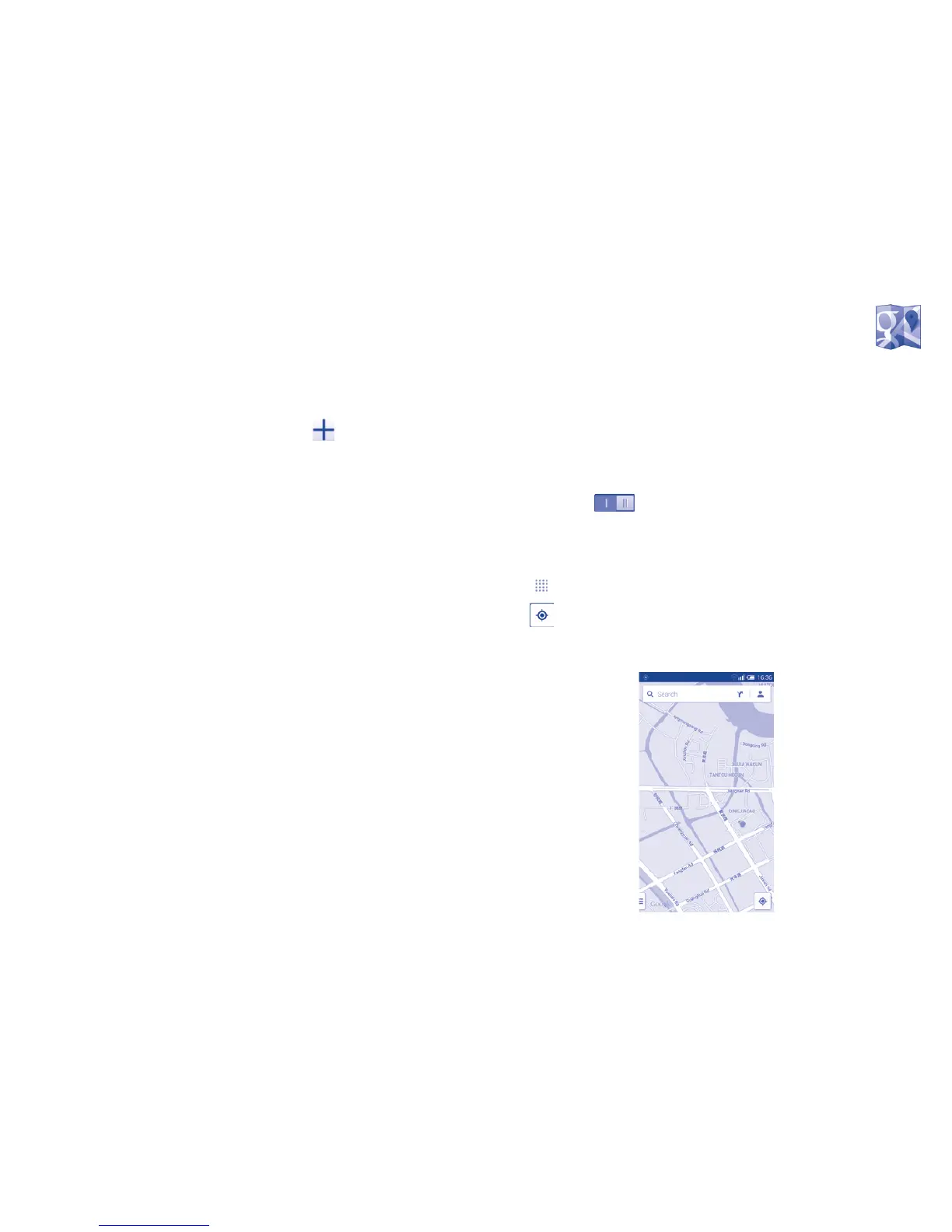
9.1.2 Open Google Maps and view My Location
Touch from the Home screen, then touch Maps.
Touch icon on the map to view My Location.
The map will then center on a blue dot with a blue circle around. Your actual
position is within the blue circle.



 To Next Page