AUTHORITY 109
OfficeSuite
O ceSuite is a le viewer. It is capable of reading Microsoft O ce le formats, viewing PDF and image les, and
decompressing ZIP les.
NOTE
You can upgrade to the Pro version by buying OfficeSuite Professional 6 version on the MobiSystems website.
Opening O ceSuite
1. From the Home screen, tap Apps > O ceSuite.
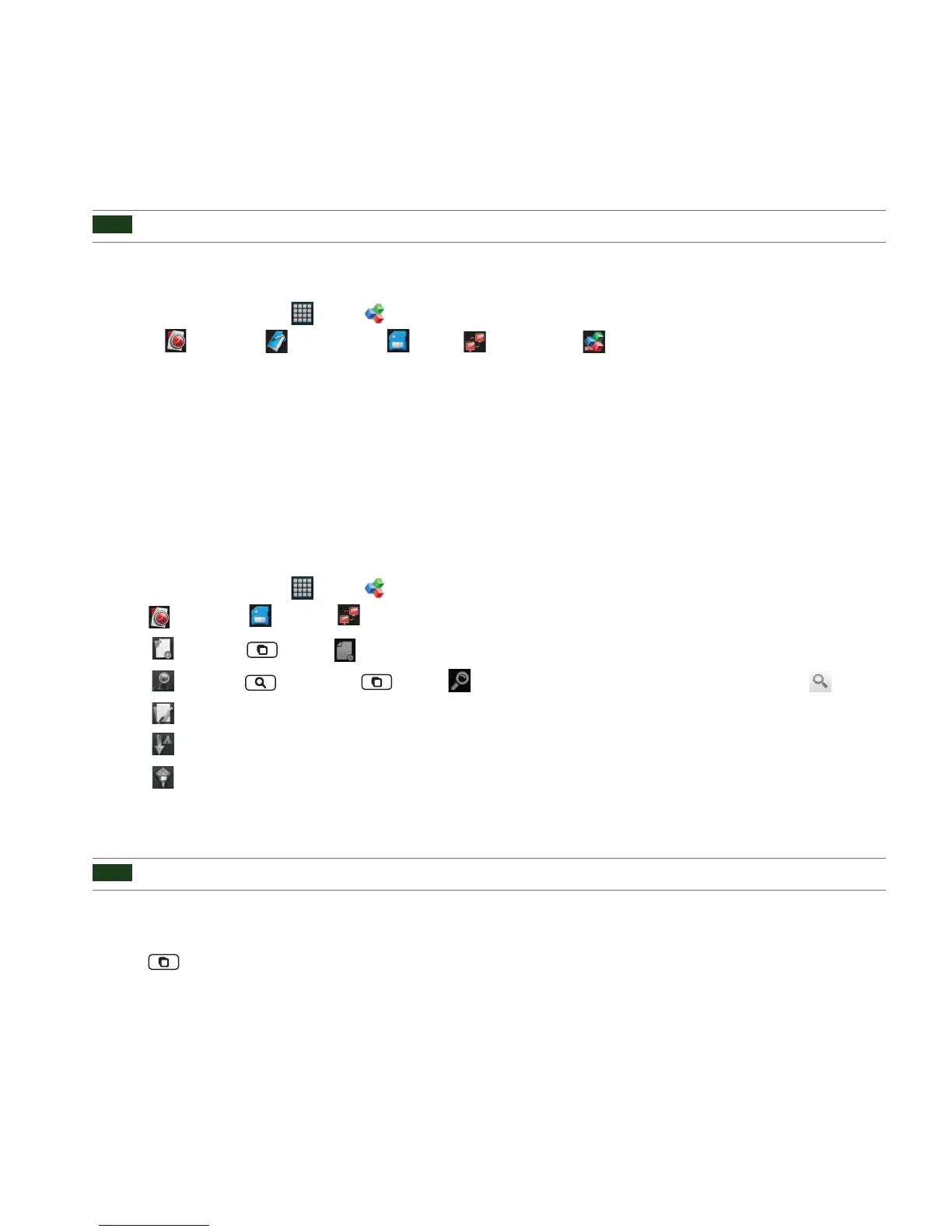
2. Select
Recent les, My documents, SD card, Remote les or O ceSuite Professional 6.
•
Recent les : You can browse your recently used les.
•
My documents : You can set your default document folder.
•
SD card : You can view all the les stored on memory card.
•
Remote les : You can view the les stored on remote server by adding your remote account.
•
O ceSuite Professional 6 : You can install O ceSuite Professional 6 by buying it on the MobiSystem website.
Viewing a document
1. From the Home screen, tap Apps > O ceSuite.
2. Tap
Recent les, SD card or Remote les > Tap the desired le.
• Tap
New or tap Menu > New > Folder > Enter folder name > OK.
• Tap Find or tap Search or tap Menu > Find > Enter the lename you want to search for > Tap .
• Tap
Edit > You can cut, copy or paste les.
• Tap
Sort to sort the les by Name, Size, Type or Date modi ed.
• Tap
Filter to lter les by le type.
• Supported formats - Microsoft Word 97-2007 (.doc & .docx), Microsoft Excel 97-2007 (.xls & .xlsx), Microsoft PowerPoint 97-
2007 (.ppt & .pptx), Adobe PDF, Text (.txt), Zip Archives (.zip).
NOTE
Text (.txt) format is partly supported in case Encoding type is selected as Korean(EVC-KR).
• Tap the screen to see the pages panel and zoom in and out panel. Double tap the screen to zoom in or out when viewing a
le. Drag across the screen to view speci c areas of the document.
3. Tap
Menu to use the additional options while you are viewing the document.



 To Next Page