AUTHORITY 47
3. When you nish editing, tap Send.
Reading Messages
1. From the Home screen, tap Apps > Messaging.
2. Tap a message thread.
3. Tap and hold an individual message to see more options.
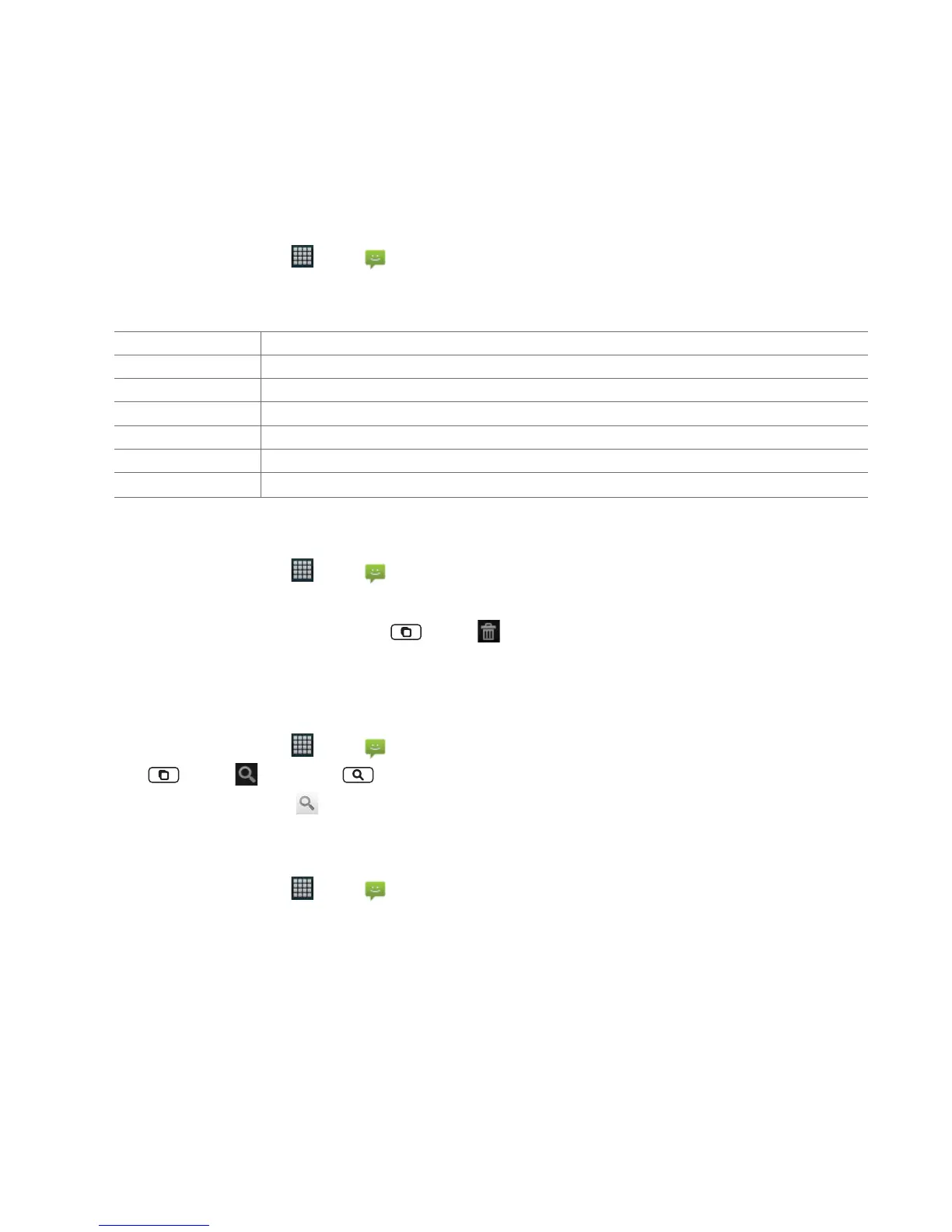
Lock/Unlock message To lock/unlock a message.
Call *** To call the message sender. (Only on incoming messages)
Add *** to Contacts To save the phone number or email address to Contacts. (Only on incoming messages)
Forward To forward a message. Enter a recipient, edit the content of the message as needed > Tap Send.
Copy message text To copy text from a message.
View message details To view details about a message.
Delete message To delete a message.
Deleting a message thread
1. From the Home screen, tap Apps > Messaging.
2. Tap and hold the message thread >
Delete thread.
• If you want delete all message threads, tap
Menu > Delete threads.
3. Tap
Delete.
Searching messages
1. From the Home screen, tap Apps > Messaging.
2. Tap
Menu > Search or tap Search.
3. Enter the search term > Tap
.
Replying to a message
1. From the Home screen, tap Apps > Messaging.
2. Tap the received message > Tap
Type to compose > Enter your message.
3. Tap
Send.



 To Next Page