AUTHORITY 46
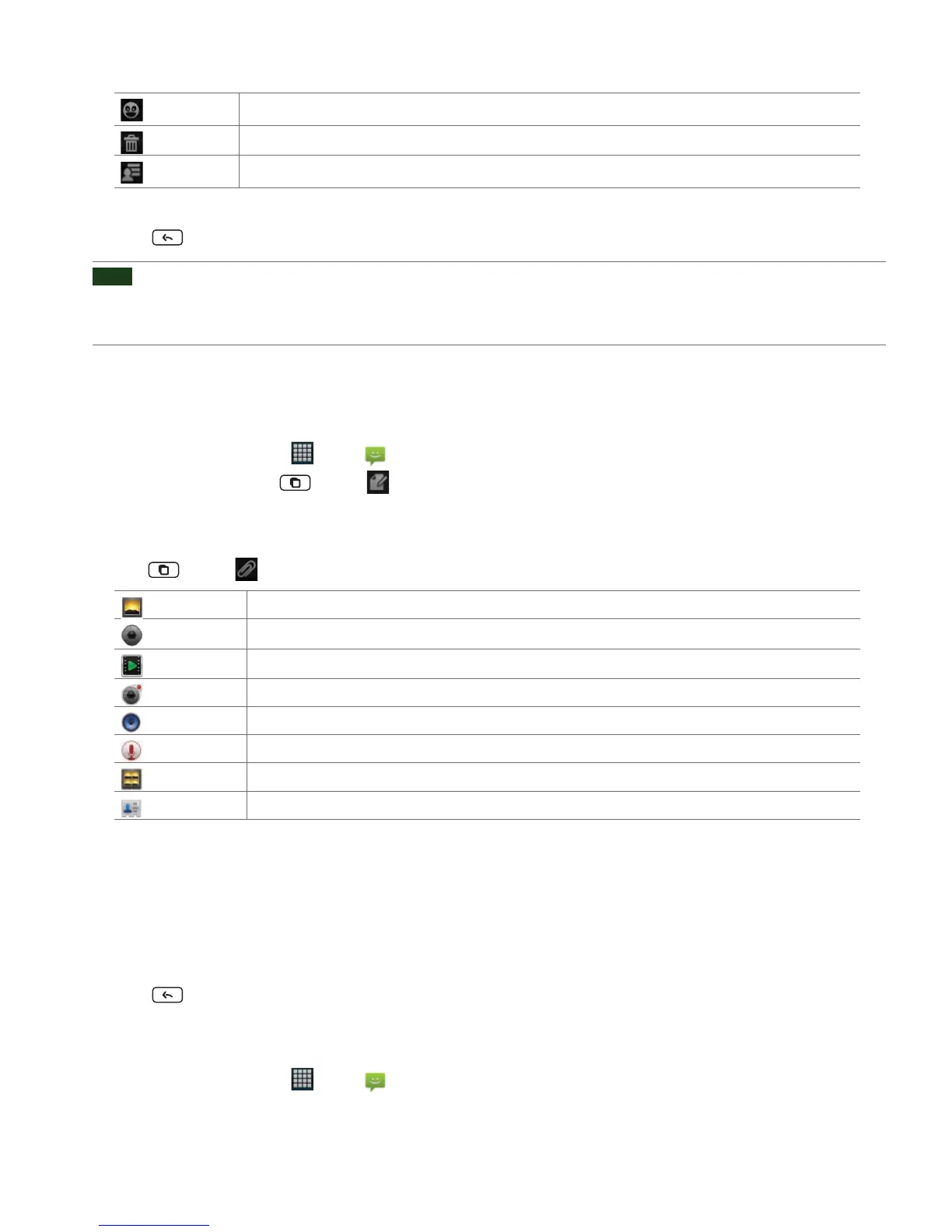
Insert smiley
Insert a smiley in the message.
Discard
Delete the message in progress.
All threads
Go back to text messaging inbox.
5. Tap Send.
• Tap
Back to save the message as a draft.
NOTE
Your text message automatically becomes a multimedia message on below condition:
• Compose a message over 160 characters
• Add subject
• Attach an item
Sending a multimedia message (MMS)
To compose a multimedia message, start by creating a new text message. Then simply add an attachment.
1. From the Home screen, tap Apps > Messaging.
2. Tap
New message. Or tap Menu > Compose.
3. Enter the phone number in the
To eld. Or select recipients from the contact list.
4. Tap
Type to compose > Enter your message.
5. Tap
Menu > Attach > Choose the type of attachment.
Pictures
Select a photo.
Capture picture
Capture a new photo.
Videos
Select a video.
Capture video
Record a new video.
Audio
Select an audio le.
Record audio
Record a new audio le.
Slideshow
Create a slideshow from up to 10 of your photos.
vCard
Select a contact card.
6. From the message body, tap:
•
View: To view the attached item.
•
Replace: To change attached les.
• Remove: To remove attached les.
7. Tap
Send MMS.
• Tap
Back to save it as a draft.
Resuming a draft message
1. From the Home screen, tap Apps > Messaging.
2. Tap the message indicated by “
Draft” to resume editing.



 To Next Page