AUTHORITY 117
Searching for books
1. From the Home screen, tap Apps > eBooks.
2. Tap
at the top right of the screen, or tap Search.
3. Enter the title or author of the book you want to search > Tap
.
• If you want to set view options, tap
and select Any Price, Free, under $1, under $2, under $5 or under $10.
4. Scroll through the search results and tap a book to view details about the book.
5. Tap
Download Now to download the book or tap Buy Now to buy paid the books.
Reading a book
1. Tap the right or left hand side of the screen to go to the next page or previous page.
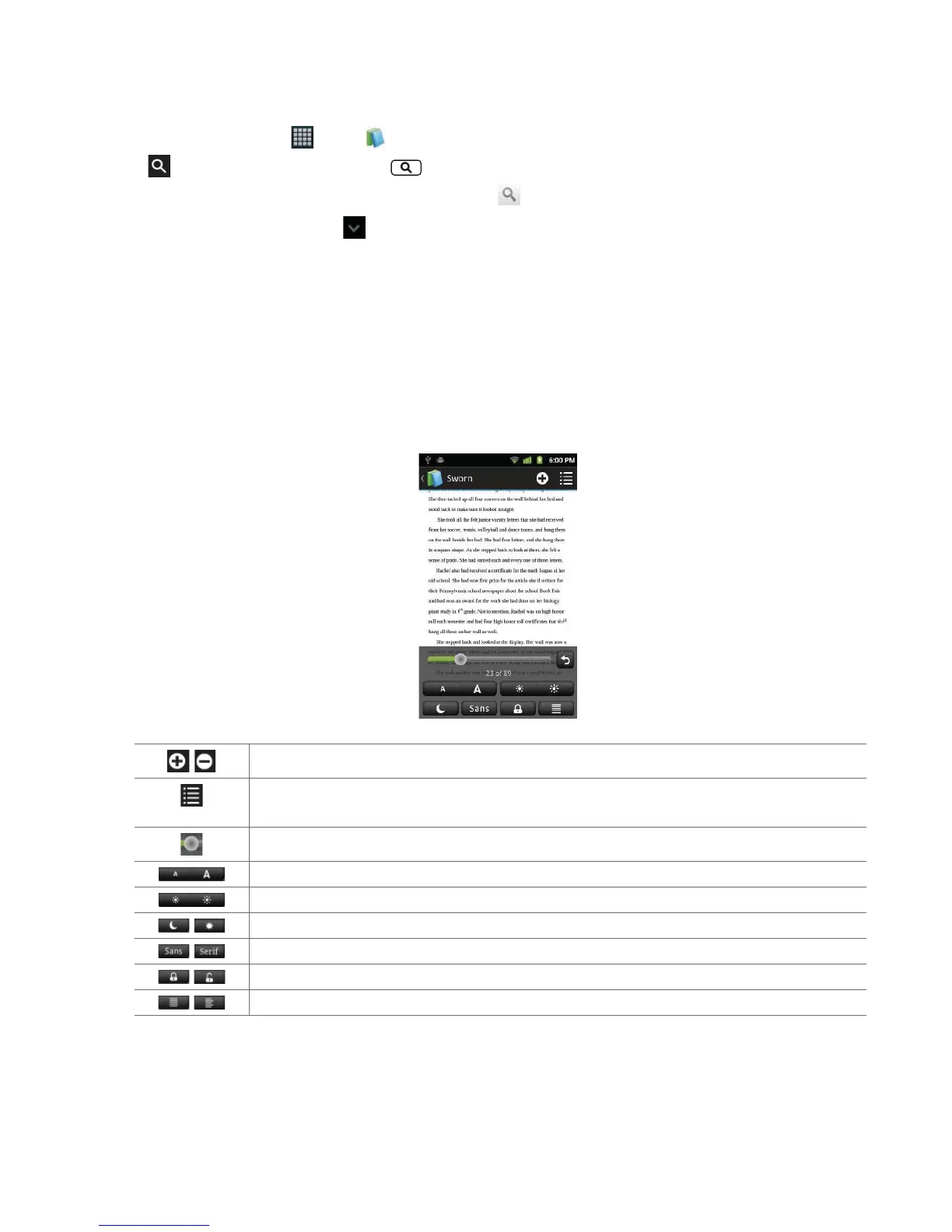
2. While reading a book, tap the middle of the screen to use the additional options.
• Tap and hold the screen to open
Note and Highlight option.
/
Mark the page with bookmark.
Set view options; Next Chapter, Previous Chapter, Table of Contents, Marks & Notes, Overview or Turn On
Adobe Styling
.
Drag the slider to go directly to a speci c page of the book.
Adjust text size.
Adjust the brightness of the screen.
/
Set to Night Mode or Day Mode.
/
Set font to Sans Serif or Serif.
/
Set screen orientation.
/
Set text justi cation.



 To Next Page