AUTHORITY 41
Map of contacts
1. From the Home screen, tap Apps > Contacts.
2. Tap the desired contact > Tap the
place icon of the address.
3. Select
Cricket Navigator or Maps > The mapping application will be opened.
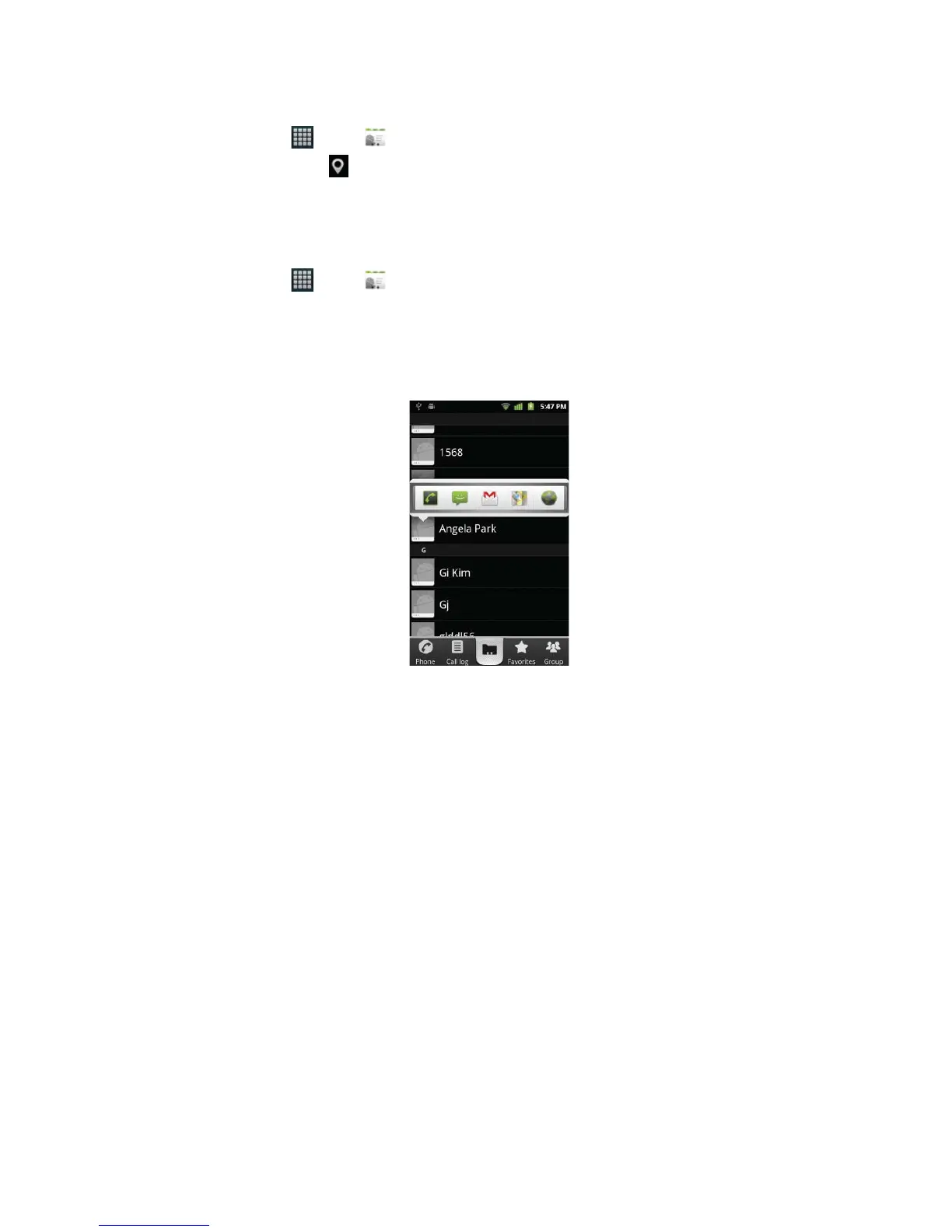
Connecting by using Quick Contact
1. From the Home screen, tap Apps > Contacts.
2. Tap the icon or photo next to your desired contact > Tap the desired communication method.
• Only the icons relevant to your contact’s data are displayed.
• If there are too many icons to t on the screen, drag to the left or right to select an icon.



 To Next Page