33
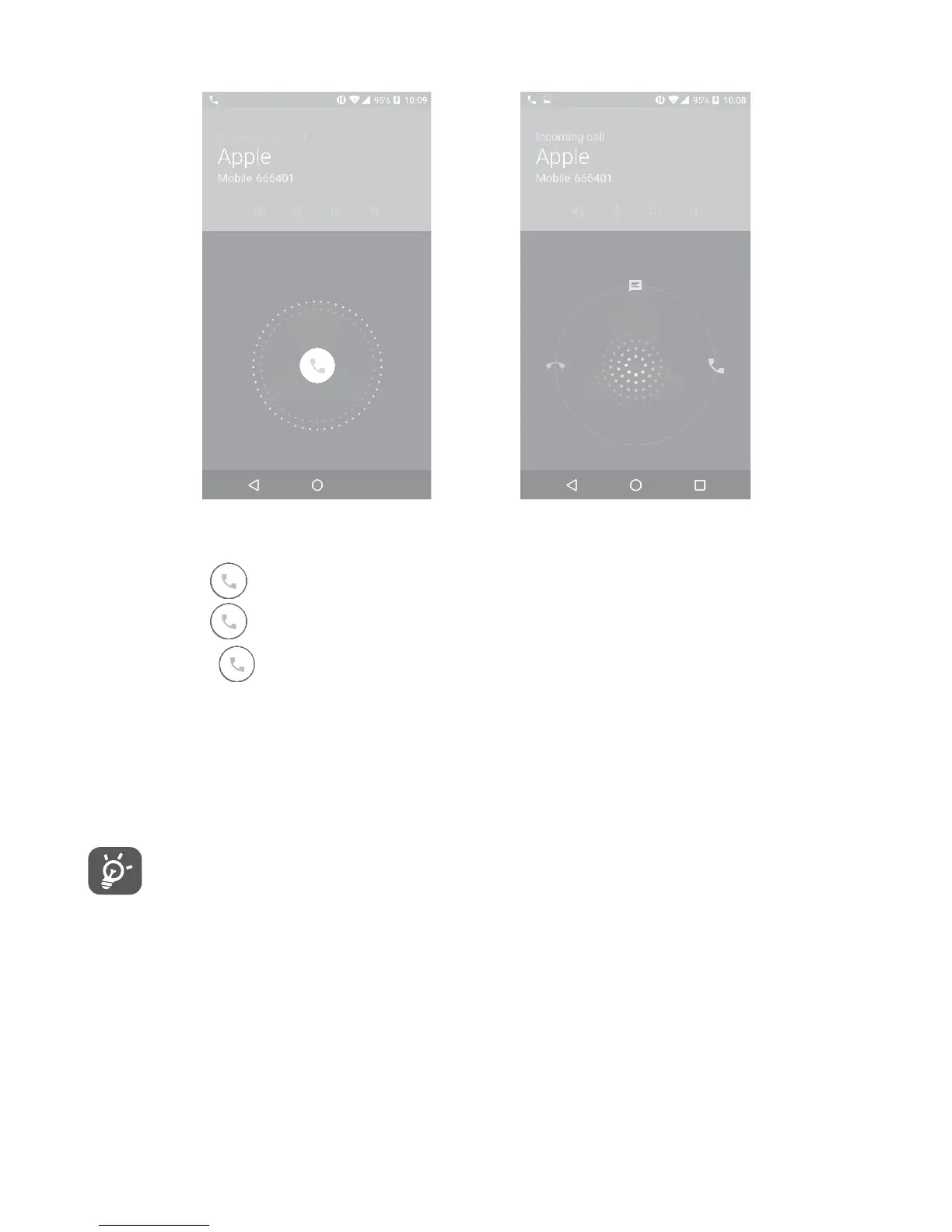
4�1�2 Answering or rejecting a call
When you receive a call:
•Slide the
icon to the right to answer;
•Slide the
icon to the left to reject;
•Slide the
icon upwards to reject the call by sending a preset
message.
To mute the ringtone volume of an incoming call, press the Volume
up/down key, or turn the phone over (when the Settings\Gestures\
Turn over to mute option is activated).
For your convenience, your phone features a unique Reversible
UI, which ensures functionality, including normal call, even the
phone is held in reverse (upside-down) position.











 To Next Page