96
12
VR goggles
(1)
����������������������������
12�1 Getting started
12�1�1 About the VR goggles
Use your VR goggles to experience virtual reality by inserting your
Alcatel
IDOL 4S and enjoy 2D and 3D content such as games, videos
or other VR applications.
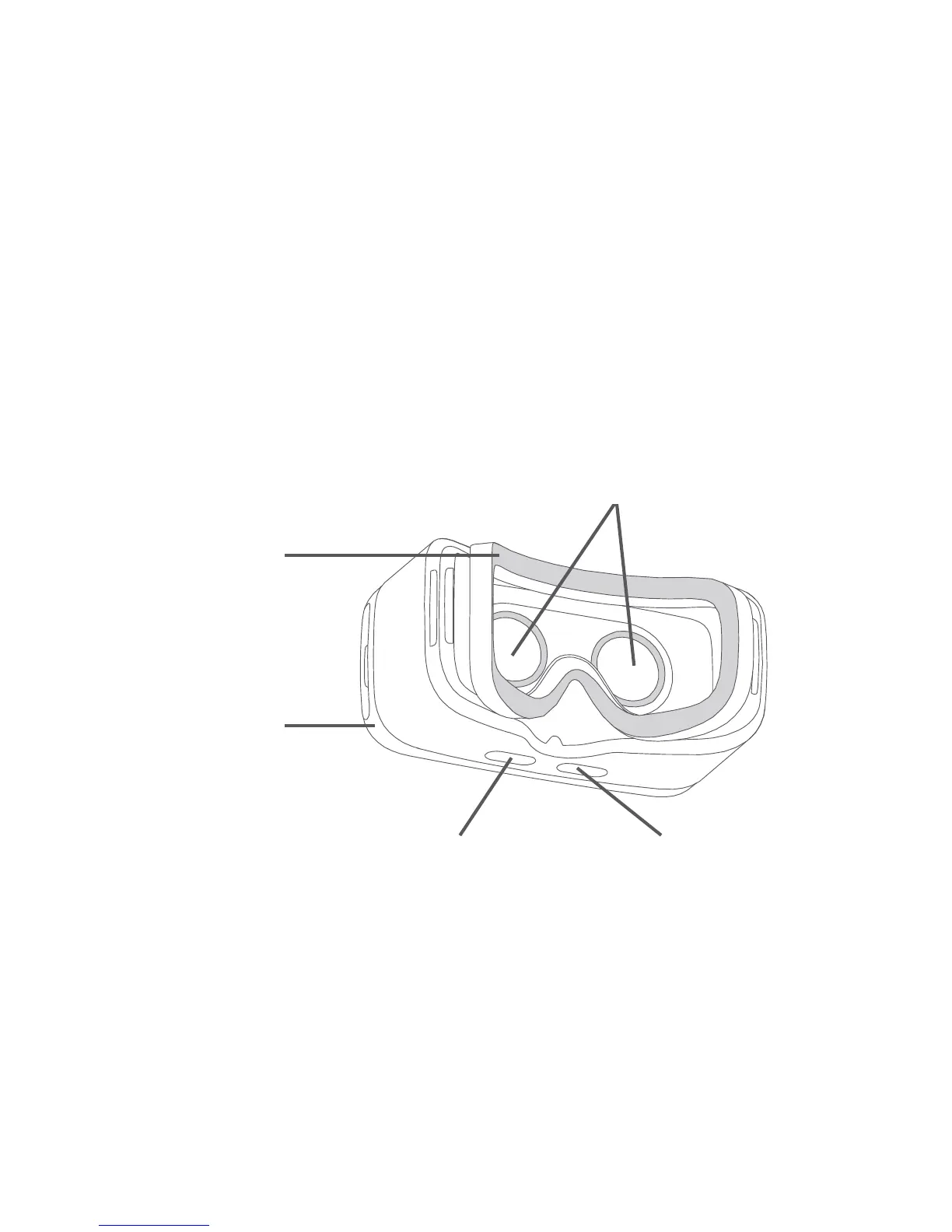
VR goggles layout
Top cover
“Select” button“Back” button
Cushion
Lenses
Note:
Buttons are touch-sensitive and don’t need to be pressed
down.
(1)
It depends on countries.











 To Next Page