97
12�1�2 Using the VR goggles for the first time
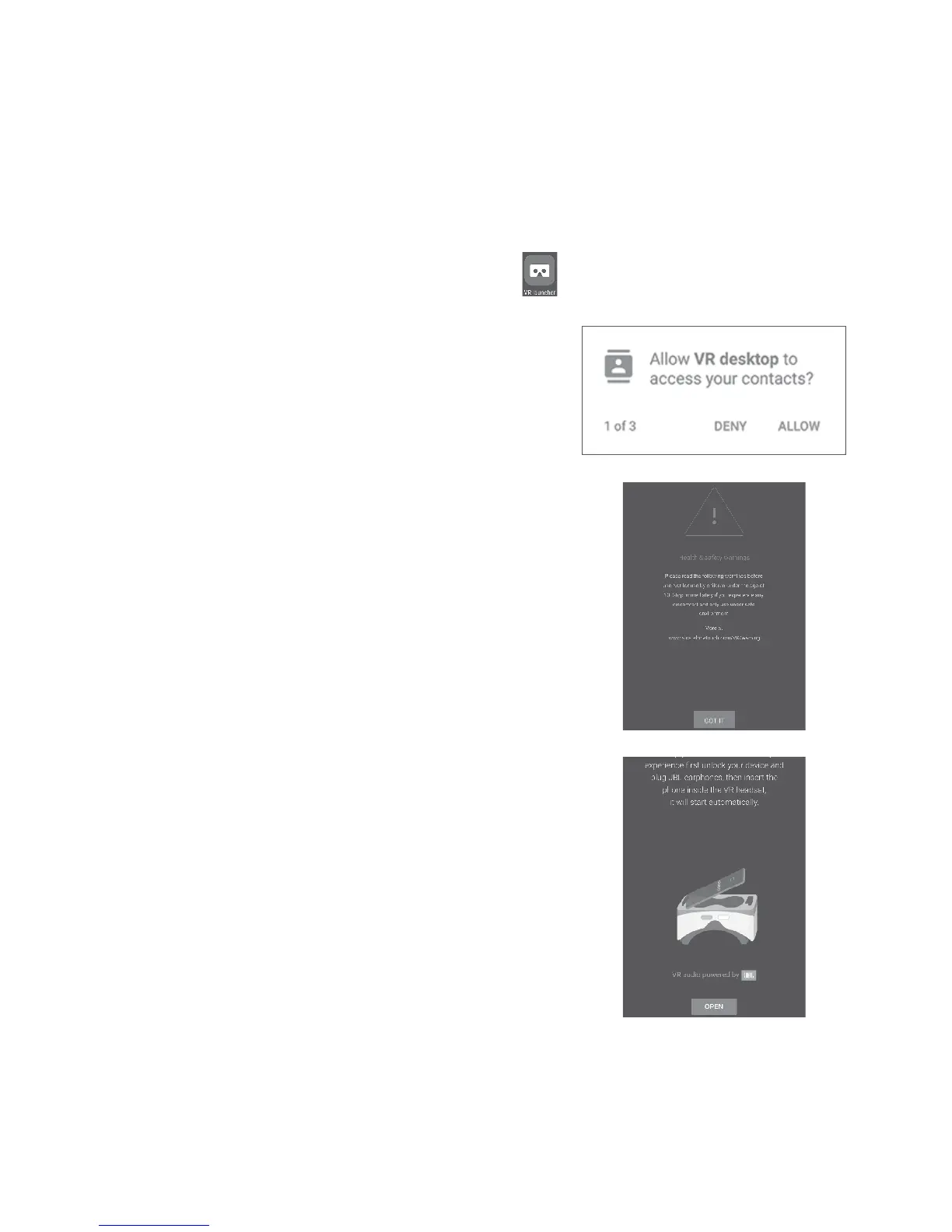
You can start VR by using the preinstalled “VR Launcher” application.
Before using the VR goggles, make sure VR Launcher has been set up
and received the necessary permissions.
Follow these steps before inserting your device into the VR goggles.
1. Start the “VR Launcher” application.
2. If VR Launcher does not have the
needed permissions, it will ask now.
Allow these.
3. Read and accept the safety warning by
touching the “GOT IT” button.
4. Insert your earphones and touch
“OPEN” to start VR display mode. After
this, you are ready to insert your device
into the VR goggles.











 To Next Page