46
5
Messaging and Email ����������������
5�1 Messaging ������������������������������������������������������������
You can create, edit and receive SMS and MMS with this phone.
To send a message, touch
from the Home screen then select
Messaging.
5�1�1 Write message
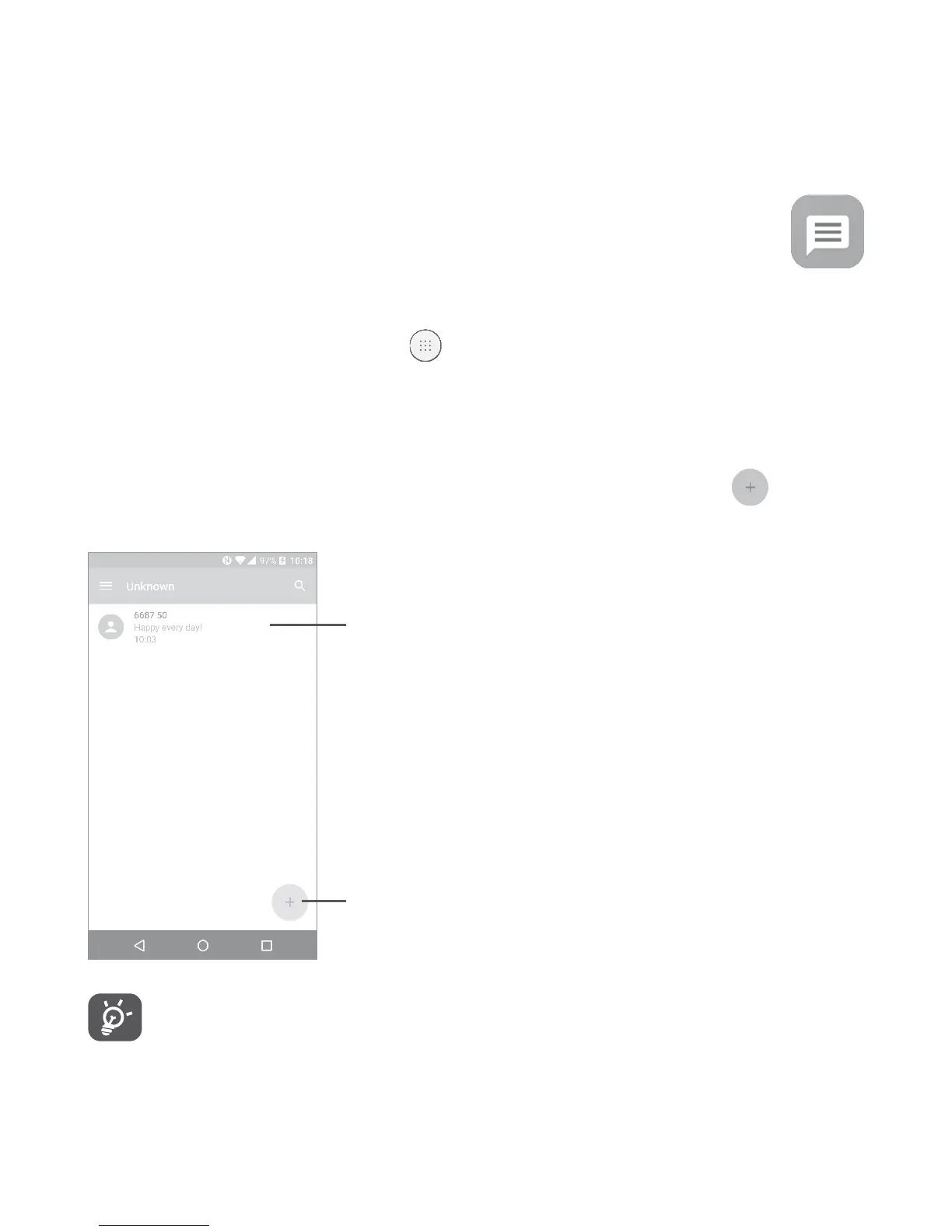
On the message list screen, touch the new message icon to write
text/multimedia messages.
Touch to create a new message.
•Touch to view the whole message thread.
•Long press to activate delete mode.
For saved contacts, touch the photo to open the Quick contact
panel to communicate with the contact. For unsaved contacts,
touch the photo to add the number to your Contacts�











 To Next Page