14
Customize your Home screen by adding application shortcuts,
widgets, folders, and using wallpapers.
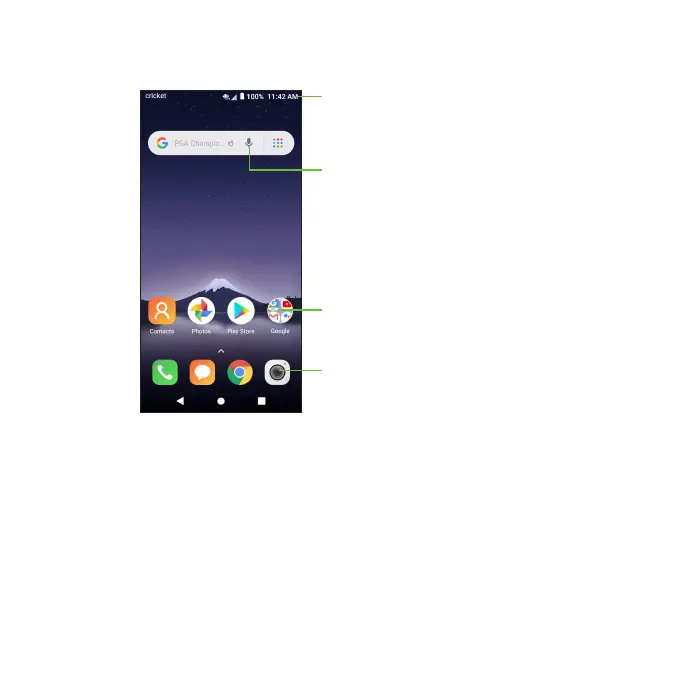
Status and notifications bar
Voice search
Google Apps
Favorite apps
Extended home screen
In addition to the main home screen, your phone has extended home
screens to provide more space for adding apps, widgets, and more. Once
an app or widget is added to the extended home screen, simply swipe your
finger to the left or right to access the extended home screen panels.
Choosing your wallpaper
1. Press and hold an empty place on the home screen and tap WALLPAPERS.













 To Next Page