24
Receiving calls
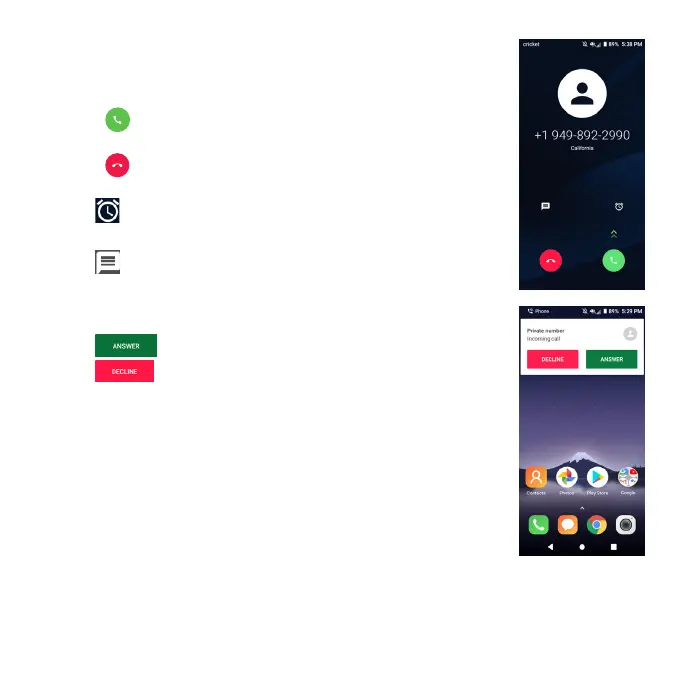
When the screen is locked
• Press and swipe up to answer an incoming phone
call.
• Press and swipe up to reject an incoming phone
call.
• Tap to set a reminder to call the number back in 5
or 10 minutes.
• Tap to reject the call and select a preset test
message to send to the caller.
When the screen is unlocked
• Tap to answer an incoming phone call.
• Tap to reject an incoming phone call.
Note: To silence the ringtone on an incoming call, press the
volume down key.













 To Next Page