54
Using your photos
Opening your photos
From the home screen, tap Photos to view your pictures and videos.
Sharing pictures, or videos
1. Press and hold a picture or a video.
2. Tap and select how you want to share the items.
Working with pictures
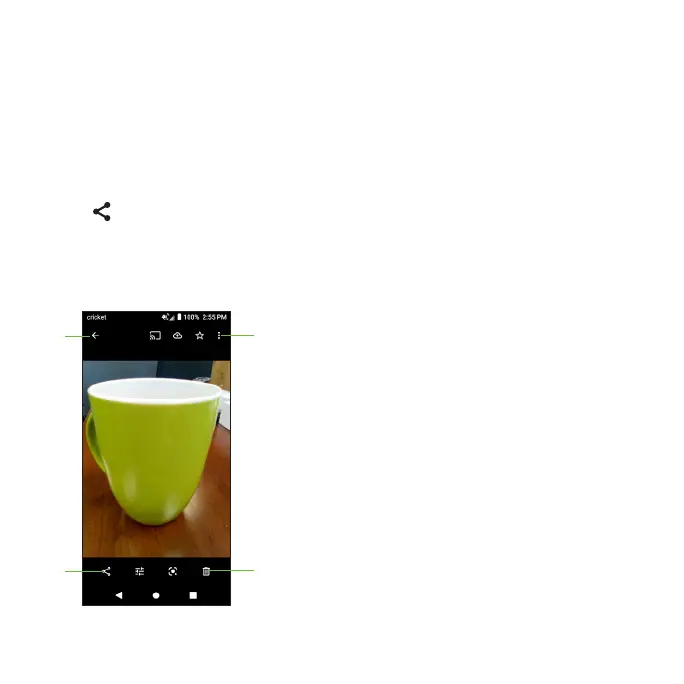
Tap a picture in an album to view the picture in full screen. Tap the screen to
view the following features.
Return to the album.
Tap to delete.
Share the photo.
Tap to access more options.













 To Next Page