19
Using the Notifications panel
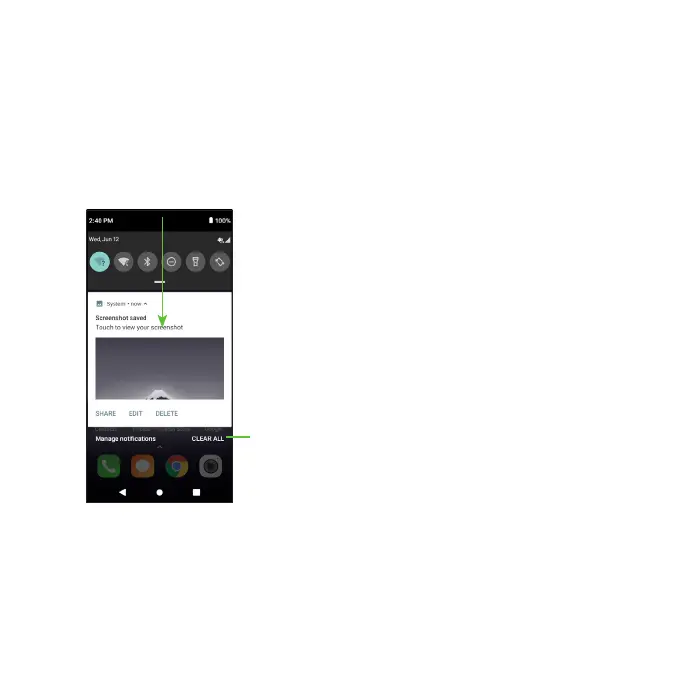
Touch and drag the Status bar down to open the Notifications panel.
Drag down once again to enter the Quick settings panel. When there are
notifications, you can tap them to access notifications directly.
Notifications panel
When there are notifications, touch and drag down the Status bar to open
the Notifications panel to read more detailed information.
Clear new notifications (ongoing
notifications, such as New Voicemail, will
remain)













 To Next Page