3
Indicators
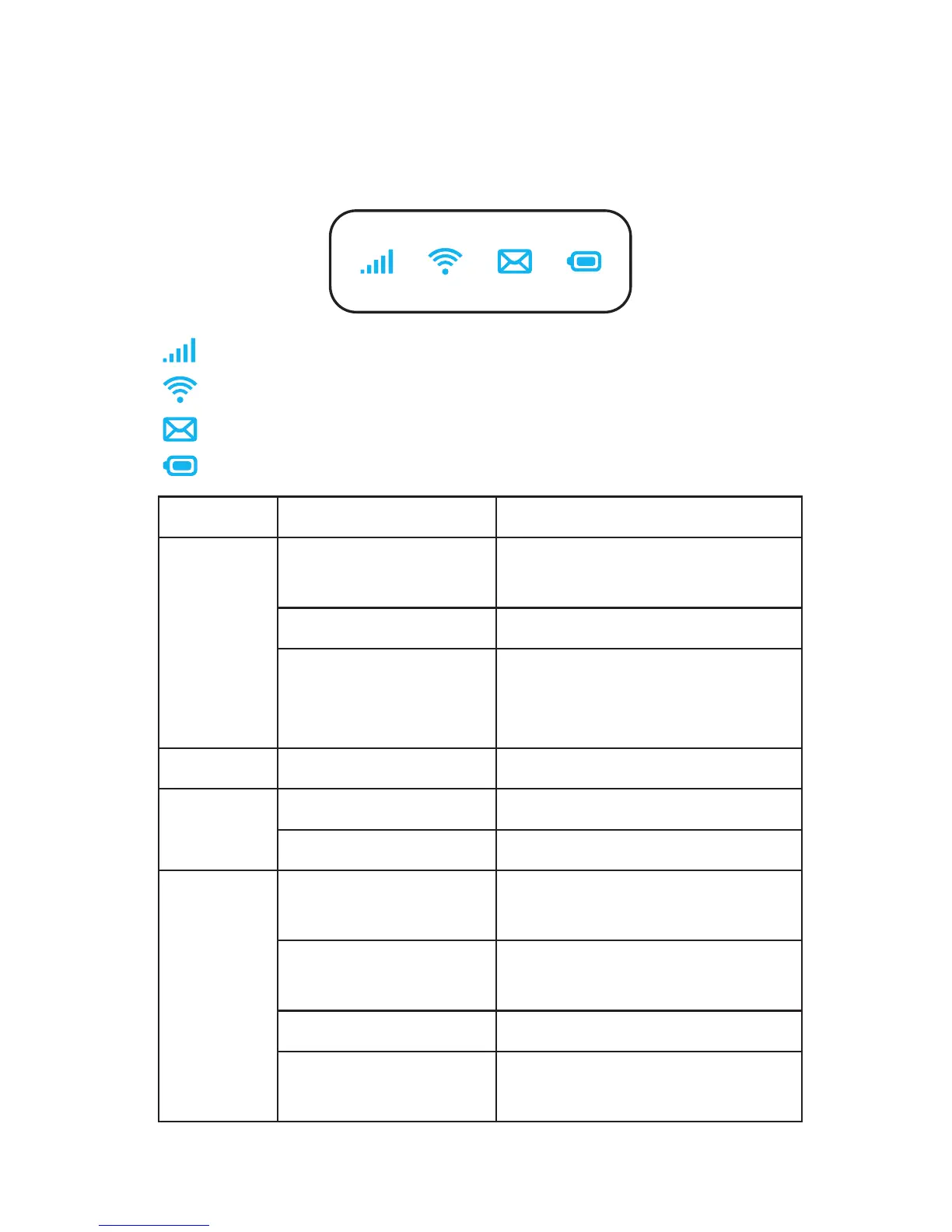
When the hotspot is powered on, the following icons will
illuminate. For a descripon of the icons, please refer to the
table below:
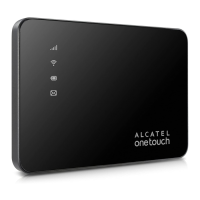
Network Indicator (Red or Blue LED)
Wi-Fi Indicator (Blue LED)
SMS Indicator (Blue LED)
Baery Indicator (Red or Blue LED)
LED Descripon
Network
Indicator
Solid Blue Registered and connected
to network.
Flashing Blue Network disconnected.
Solid Red No network, no SIM card
or SIM card error, limited
or no service.
Wi-Fi
Solid Blue Wi-Fi is acve.
SMS
Solid Blue New message
Flashing Blue Message inbox is full.
Baery
Rapidly Flashing
Blue
Working.
Rapidly Flashing
Blue
The baery is being
charged.
Solid Blue Full charged.
Flashing Red The baery level is less
than 10%.








 To Next Page