4
Power saving mode:
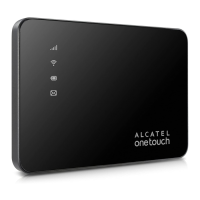
If no keys are pressed for 30 seconds, all LED lights will
automacally dim with the excepon Signal and Wi-Fi LED
indicators. LED indicators will remain lit when the USB cable
is used to charge the device or if any key is pressed.
Seng Up Your Mobile Hotspot
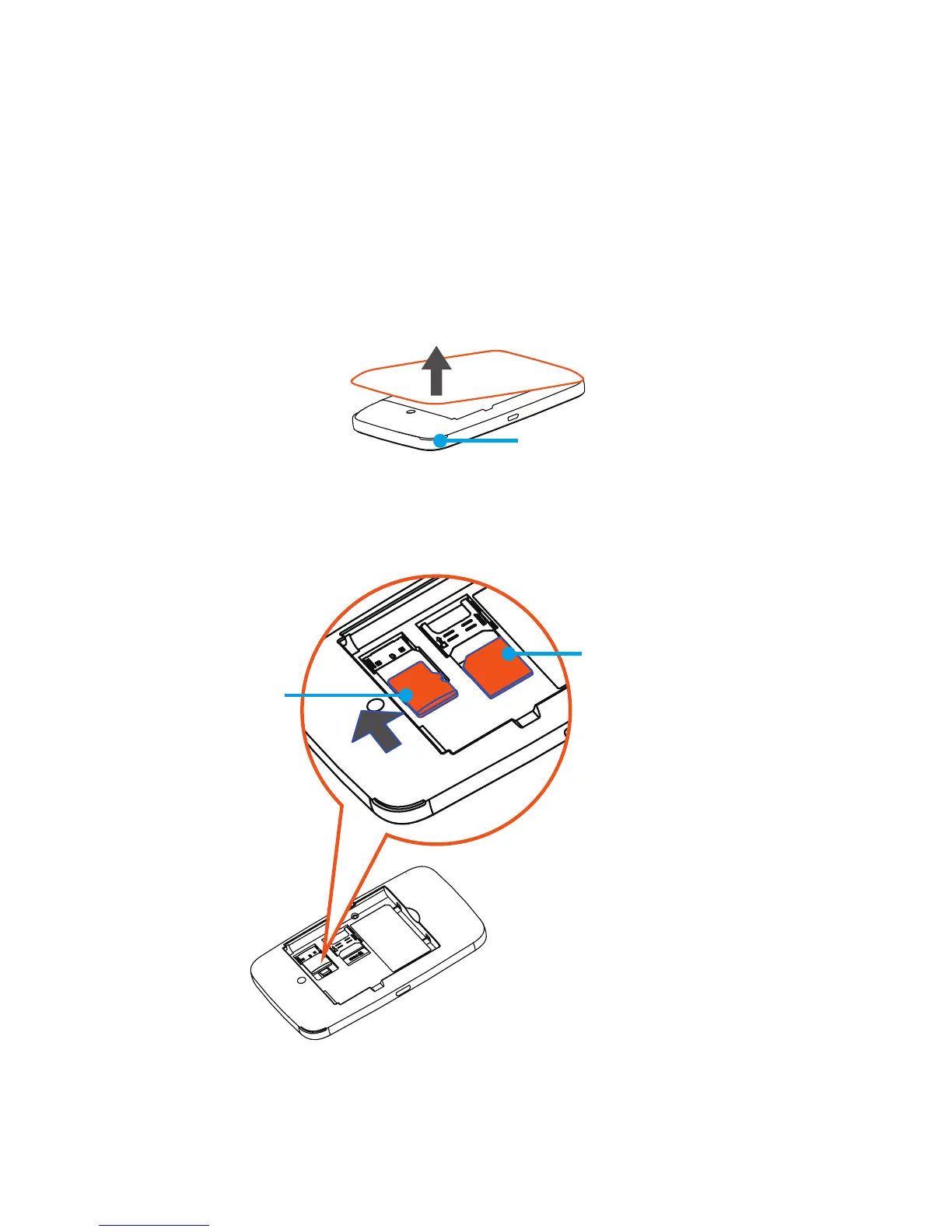
1. Remove back cover.
Slot
Note: Find the slot on front cover to open.
2. Install Micro SIM Card and SD Card.
Micro SIM Card
SD Card








 To Next Page