18
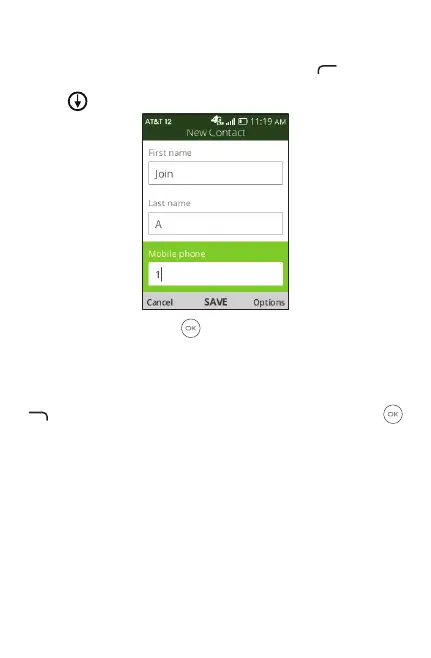
3.2 Adding a contact
On the contacts list screen, press Le Menu to access
New Contact and input the contact information. Navigate
down to access next contact information category.
Whennished,press OK to save.
3.3 Editing a contact
In contacts list screen, select contact and press Right Menu
to access Options, select Edit contact, and press OK
to edit.



 To Next Page