19
Whennishedediting,pressOK to save.
To cancel edit mode, press Le Menu
to cancel, then
Right Menu toconrmdiscard.
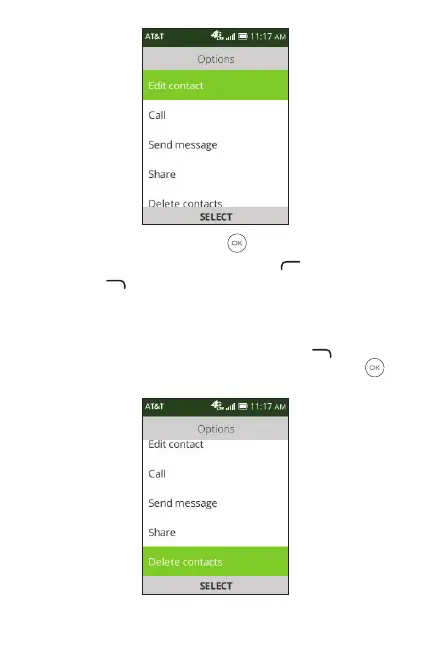
3.4 Deleting a contact
In contacts list screen, press Right Menu to access
Options, then select Delete contacts, and press OK
to
select the contact to be deleted.



 To Next Page