22
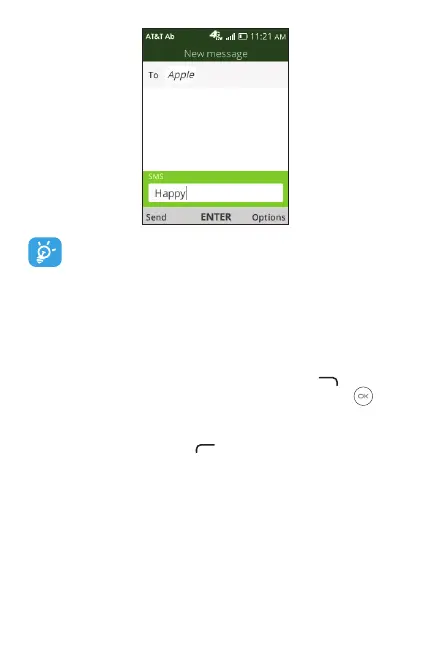
An SMS of more than 160 characters will be counted
asanadditionalSMS.Speciclettersorcharacterswill
also increase the size of the SMS. This may cause
multiple SMS to be sent to your recipient.
4.2 Send a multimedia message
MMS enables you to send video clips, images, photos,
contacts and sounds by pressing Right Menu to access
Options. Next select Add Attachment, press OK and
select from Video, Music, Gallery, Contacts and Camera.
Select le and follow prompts on screen to attach to
message. Press Le Menu to send message.
An SMS will be converted to MMS automatically when
mediales(image,video,audio,etc.) areattachedoremail
addresses are added as a recipient.



 To Next Page