37
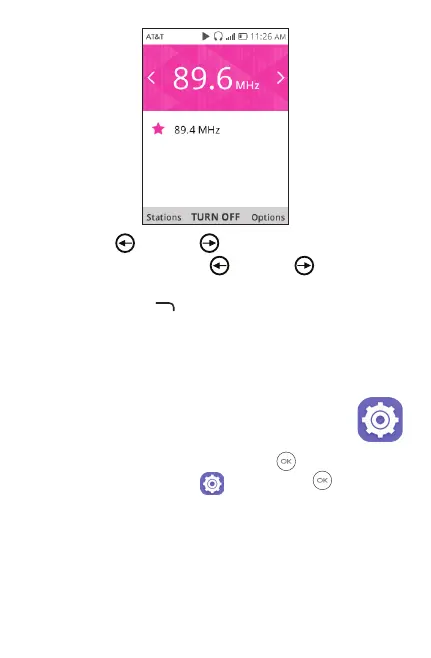
Navigate le and right to search radio stations.
Press and hold Navigate le
and right to search and
go to the nearest lower/higher frequency channel.
Press Right Menu
to access Options, select Add to
favorites, Edit favorites or Switch to speaker/earphone.
Favorite channels will have red star added and will be
displayed in channel list for easy access.
15 Settings ������������������������������������
To access the Settings app, press OK from the Home
screen, select Settings app
and press OK .
15.1 Network & connectivity
15.1.1 Airplane mode
When Airplane mode is on, all wireless connections are
disabled simultaneously, including Wi-Fi and Bluetooth.



 To Next Page