29
• Share: Share the photo via Email, Messages and Bluetooth.
• Select Multiple: Allows you to select more than one photo
in the Gallery.
• File Info: Displays lename,size, image type,date taken
and resolution.
• Lock: Select to lock photo from being deleted, edited, or
renamed. Unlock photo to gain access to options again.
• Sort and group: Sorts photo by date and time or groups
by date.
Individual photo view options
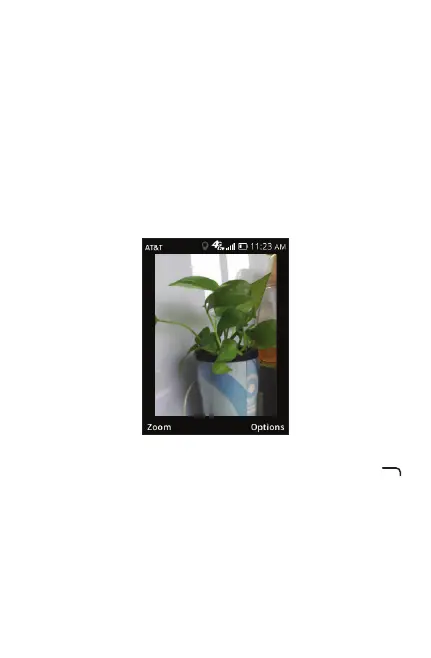
When previewing an individual image in Gallery app, the
options above are also available by pressing Right Menu
with the one additional option below:
• Set As: Choose selected picture to set as wallpaper or
existing contact image.



 To Next Page