24
22
Functions marked with a (*) are accessories, which are not installed on all vehicles,
refer to the vehicle manufacturer’s instructions.
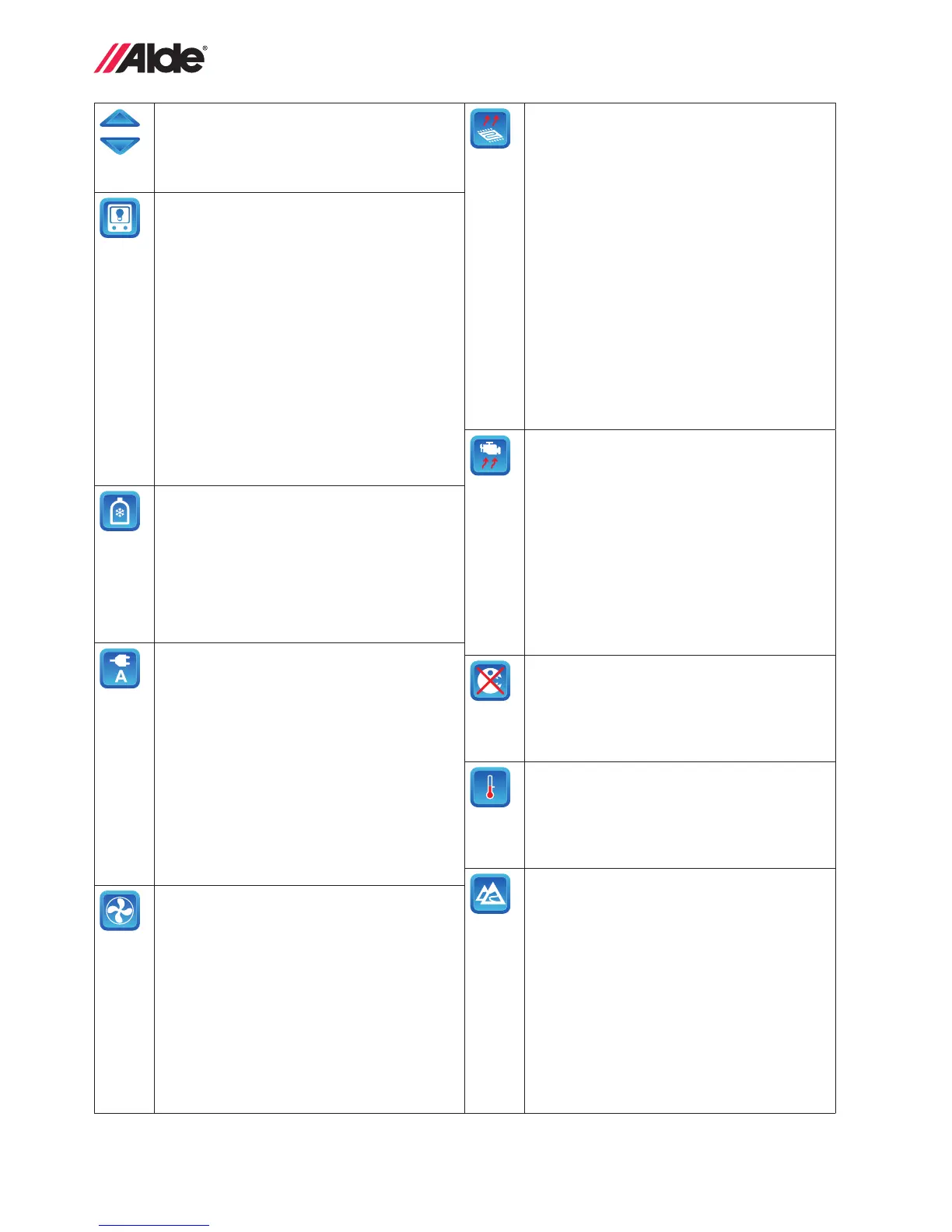
7. Arrow symbols
Toggle between the various tool elds by
using the up/down arrow symbols. Leave
the tools menu using the MENU button or
the return button.
8. Background light
The background light can be set in three
different modes, Dark, Bright and Invert.
Dark: Turns off backgrund light. Press the
screen or the menu button when standby
is activated and the screen comes on, but
returns to dark after 30 seconds if the panel
is not touched.
Bright: Background light in standby mode.
Invert: Inverted background light in
standby mode.
Standby is activated automatically after
30 seconds if the panel is not touched.
9. *EisEX, 12 V defroster for gas regulator
This is a small heating element that pre-
vents ice forming in the regulator in winter
(for Mono Control CS, DuoControl CS,
DuoControl and DuoComfort). If DuoCon-
trol CS or DuoControl is installed and con-
nected, a snowake will appear inside the
gas bottle symbol when EisEX is switched
on.
10. *Load monitor
The function prevents overload of the fuses
on 230 V. If the total current consumption of
the vehicle exceeds the set value, the elec-
trical output of the boiler will be reduced
automatically. This also applies to Truma
Comfort AC if connected to the Alde 3020.
Due to voltage uctuations and tolerances,
different regulation levels can be selected
(5-17 A). If the fuse blows repeatedly,
choose a lower setting.
NB. For ACC to function with the load moni-
tor, ACC must be on from the panel and not
via the remote control.
11. *Booster
Control of booster in two different speeds.
Fan start and stop is controlled from the
boiler. If the boiler’s circulation pump starts
up, the fan on the booster will as well.
When the circulation pump stops, the fan
will continue to run for another six minutes.
It will then stop unless the circulation pump
has started up again.
12. *Under oor heating
The function governs the under oor heat-
ing pump’s operation in intervals, which
means that the under oor heating pump
is in operation for 5 min and is then off for
5 min when heat is required.
Mode: Make sure Delay or Cont. is acti-
vated; in these two modes, under oor
heating is switched on. In Off mode under
oor heating is off.
NB. In Cont. mode it can get hotter in the
vehicle than desired, as the heat control is
disabled!
Delay: The under oor heating pump is on
for a certain period after the boiler’s circula-
tion pump has stopped, this Delay can be
set at 15 min, 30 min or 120 min.
13. *Engine heater
The function makes it possible to use the
heating system to heat up the engine in a
motor home, bus etc.
Engine heater start: Press the button
marked Off; the text will change to On
and the button will turn green. Then set
the required starting time and day. Engine
heating starts at the set time and day. The
engine heater then runs for 60 minutes
before stopping automatically.
NB. The clock in the panel must be set for
the function to work.
14. Antimicrobial mode
The boiler will start at 02.00 in the
morning (if the clock is set) and run
as indicated for ”More hot water” for
30 minutes (see section 2:5). This is to
reduce the risk of legionella.
15. Offset (temperature adjustment)
If the temperature that is displayed in the
panel does not correspond to the actual
temperature, it can be adjusted by ±5°C in
the panel. Applies also to display of exter-
nal temperature.
16. High altitude mode
The function should only be used if the
boiler will be powered by LPG at a height
above 1000 m above sea level.
NB. For LPG operation at high altitude, use
propane to obtain stable combustion. NB.
Variations in operating conditions at high
altitudes can mean that the boiler always
achieves stage 1 output, but not always
stage 2 on LPG operation.
23
GB
Functions marked with a (*) are accessories, which are not installed on all vehicles,
refer to the vehicle manufacturer’s instructions.
17. Circulation pump settings
Cont. This function limits the supply of hot
water, particularly when there is a low
heating requirement.
Therm: The pump is controlled by the room
sensor. This is the normal mode for heat
and hot water.
18. Automatic boiler start
Starting the boiler at a certain time/on a
certain day. The boiler will be on every
week during the time set, until the function
is deactivated. For automatic start to func-
tion, the boiler must be turned off.
19. Sound
Audible signals in various situations:
• Turn the button sound on and off.
• Audible signal on reaching hot water
temperature when Alde Flow* is installed and
more hot water is selected.
• Audible signal on ”Gas Failure”.
• Audible signal on LPG bottle change
over if a DuoControl* is installed and acti-
vated in ”Installed Accessories”, see sec-
tion 2:15.
20. Reset
Pressing Reset resets the panel to its fac-
tory settings.
NB. Settings made in installed functions are
not deleted.
21. External start
The function is used when starting the
boiler from outside. When external start has
been activated the panel must be turned
off. External start has three modes, Off, Ext
and 230 V.
Off. The function is turned off.
*Ext. The function is used when starting
the boiler through an external signal. When
the Ext. function has been activated, the
control panel must be turned off, but 12 V
should be connected. The parameters/func-
tions that the boiler is to have when it starts
must be set before turning off the control
panel. NB. Using this function requires
installation of an accessory that can use
external start.
230 V. The function is used to start the
boiler by connecting 230 V to the vehicle.
When the 230 V function has been acti-
vated the control panel must be turned off,
but 12 V should be connected. The param-
eters/functions that the boiler is to have
when it starts must be set before turning
off the control panel (230 V connected).
Certain vehicles can be equipped with an
individual solution (*winter connection).
22. Language
Switch between different languages. Avail-
able languages are English, French and
German.
However, the service menu is only avail-
able in English, see section 2:12.
23. Installed functions
The accessories that are installed are acti-
vated here, see section 2:15.
24. Service menu
This contains the following, amongst oth-
ers:
Glycol temperature
Domestic hot water temperature
12 V power to the boiler
To exit the tools menu, press Return or Menu.


 To Next Page